Enjoy creating more.
Install Clip Studio Paint and start creating!
See here for the following models:
Galaxy Book Flex 5G, Galaxy Book Flex 2, Galaxy Book Flex 2 Alpha, Galaxy Book Pro 360, Galaxy Book 2 360, Galaxy Book 2 Pro 360
1. Installing the Application
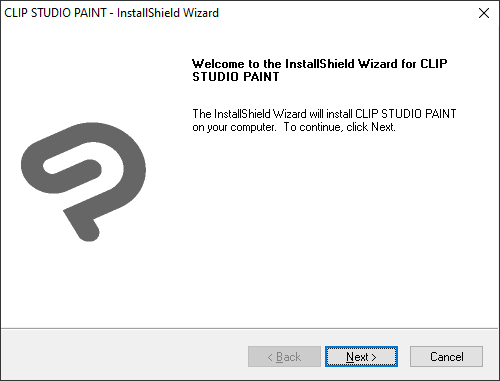
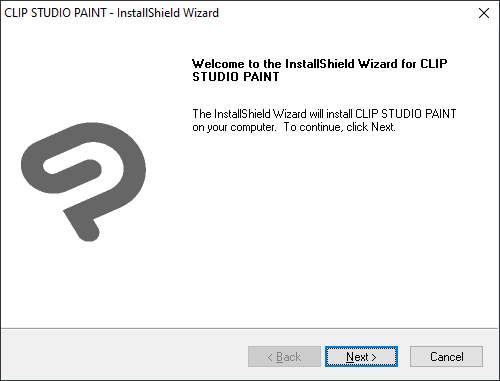
After downloading, double-click CSP_xxxxxw_setup.exe and follow the instructions on the installation window to continue.
Note: The "x" in CSP_xxxxxw_setup.exe represents the software's version number.
You can select the software language when installing. With an international serial number, please choose from English, Spanish, French, German, or Korean. If you select a different language by mistake, you will not be able to launch the software. In that case, please reinstall the software and select the correct language.
2. Start CLIP STUDIO.
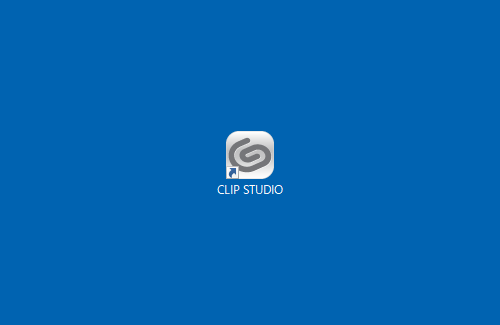
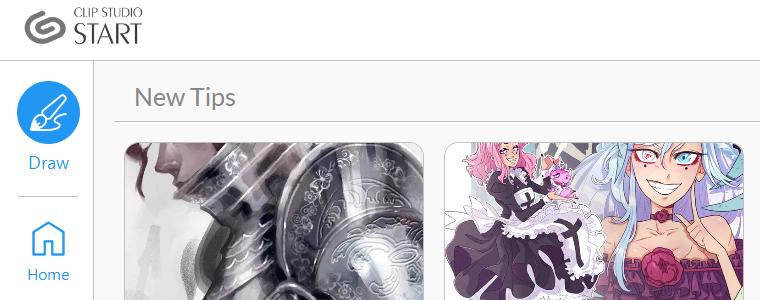
Click the “CLIP STUDIO” icon on the desktop.

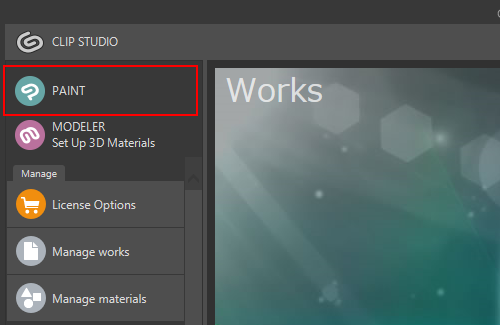
3. Click Draw to launch Clip Studio Paint.
4. License registration
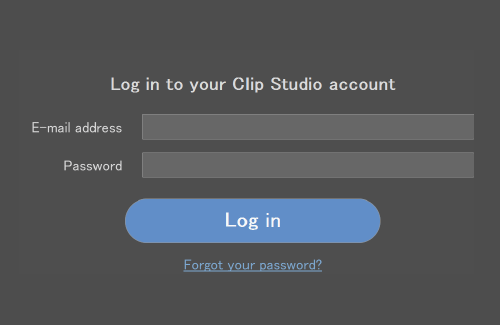
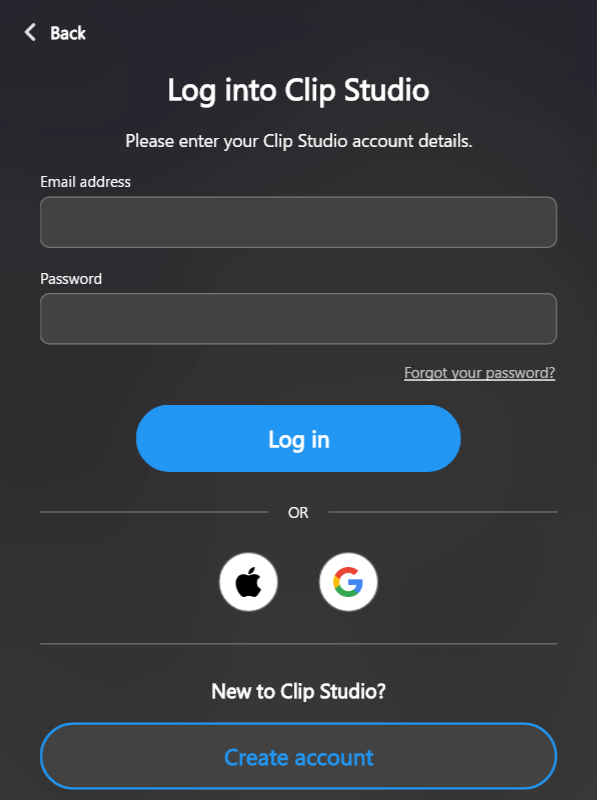
Click [Log in]. A Clip Studio account is required to run the software.

5. Log in with your Clip Studio account.
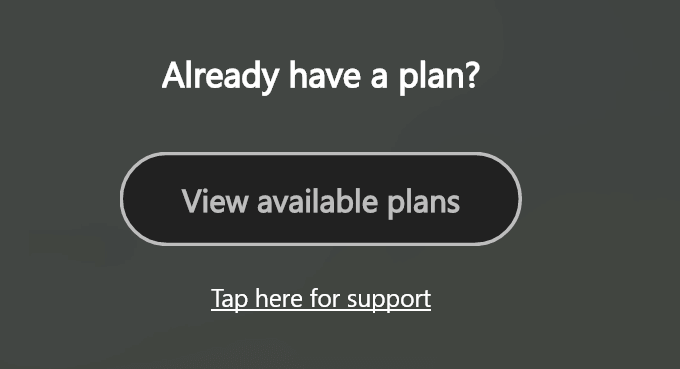
6. Click[View available Plans].
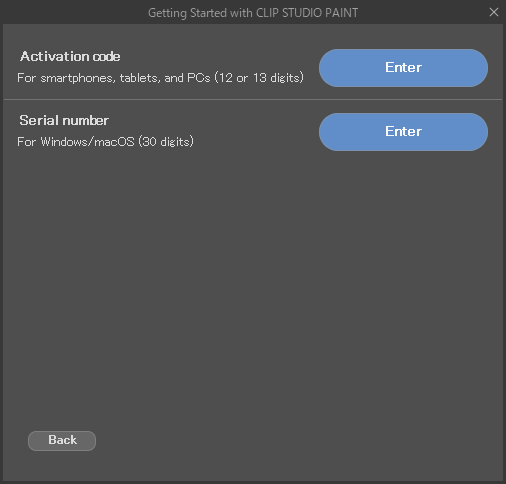
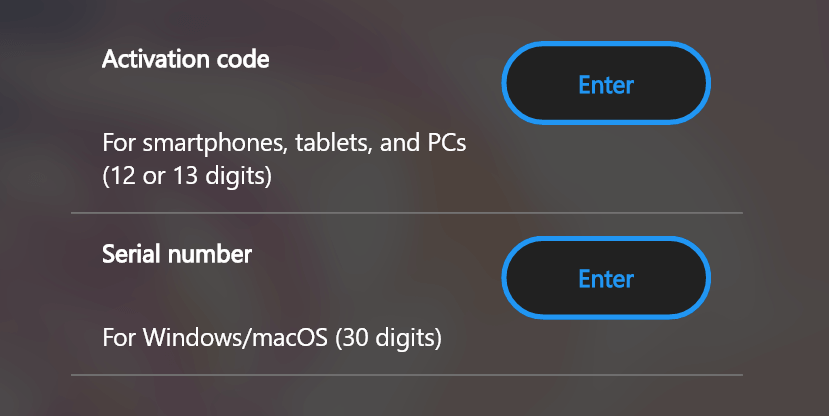
7. Enter license code and start app.
・Activation code: 12 or 13 characters
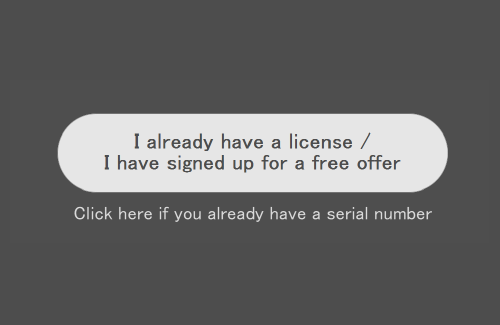
Click the Enter button for your license type and enter the license code.
When you are done registering the license, take a look at the basic instructions.
Clip Studio Paint for beginners
There are also many tutorials for learning how to draw, such as step-by-step illustrations by professionals and articles on convenient features.