For users who have purchased or have the serial number,
please download to use the software and the manuals from here.
Use the below software for updating the software that you have already installed.
1) We have changed the file format from Version 1.5.4 for ease of use
2) For users updating from versions prior to Win Ver. 1.4.1/Mac Ver. 1.4.4
3) For users uninstalling versions prior to Ver.1.4.1 (Windows only)
4) Manga Studio 5 users can download and use the newest version of CLIP STUDIO PAINT for free.
・The standard file format has been changed to CLIP STUDIO FORMAT (extension: clip).
Compared to existing .lip file format, the file size can be reduced by up to 50%, thus reducing the amount of time it takes to reload and save your work.
・Once a page management file (extension: cmc) or CLIP STUDIO PAINT file (extension: lip) has been edited and saved in Version 1.5.4 and later, you will not be able to open the file in Win Ver.1.4.1/Mac Ver.1.4.4 and earlier anymore.
If you are using the group work function, please make sure that all members are using the same version of CLIP STUDIO PAINT.
* Win Ver.1.4.1/Mac Ver.1.4.4 and previous versions will remain even after updating to Ver.1.5.4.
Launching older version of CLIP STUDIO PAINT
[Windows systems]
Execute (CLIPStudioPaint.exe] from the following location.
C:\Program Files\CELSYS\CLIP STUDIO EN\CLIP STUDIO PAINT
*If you have changed the installation folder, execute [CLIPStudioPaint.exe] in the changed installation folder.
[Mac systems]
Go to [Applications] > [CLIP STUDIO EN], and click [CLIP STUDIO PAINT].
・The preferences you have configured, as well as materials added in versions prior to Win Ver. 1.4.1/Mac Ver.1.4.4 and earlier, can still be used in Version 1.5.4 and later.
・Materials saved in Version 1.5.4 and later cannot be opened in Win Ver.1.4.1/Mac Ver.1.4.4 and earlier.
・The CLIP STUDIO PAINT shortcut icon will be changed once you have installed Version 1.5.4 and later.
To use a version of CLIP STUDIO PAINT older than Win Ver.1.4.1/Mac Ver.1.4.4, you will need to start CLIP STUDIO manually.
Launching older version of CLIP STUDIO PAINT
[Windows systems]
Execute (CLIPStudioPaint.exe] from the following location.
C:\Program Files\CELSYS\CLIP STUDIO EN\CLIP STUDIO PAINT
*If you have changed the installation folder, execute [CLIPStudioPaint.exe] in the changed installation folder.
[Mac systems]
Go to [Applications] > [CLIP STUDIO EN], and click [CLIP STUDIO PAINT].
If you uninstall a version of this software prior to Ver.1.4.1 in Windows, the CLIP STUDIO PAINT shortcuts are deleted from the desktop and [Start] menu. Re-install CLIP STUDIO PAINT. However, this phenomenon does not occur when Manga Studio 5 is uninstalled.
The English version of CLIP STUDIO PAINT which was sold as a packaged product under the name of Manga Studio 5 in North America and Europe by our sales distributor Smith Micro Software, Inc. will be unified to the same product name CLIP STUDIO PAINT.
Manga Studio 5 users can use the newest version of CLIP STUDIO PAINT.
The first time you start CLIP STUDIO PAINT, enter the serial number of the Manga Studio 5 you have and register a license.
You can also use “French version” and “Spanish version” for free if you have the serial number of English version.
Select either batch download or divided download, whichever may be convenient for you, depending on your internet connection environment.
The materials for CLIP STUDIO PAINT released. Download for free. New materials added periodically.
For the latest news of materials, please see Facebook pages.
http://www.facebook.com/celsys.clipstudiopaint
These can be used only for the purpose of trying the operation of CLIP STUDIO PAINT.
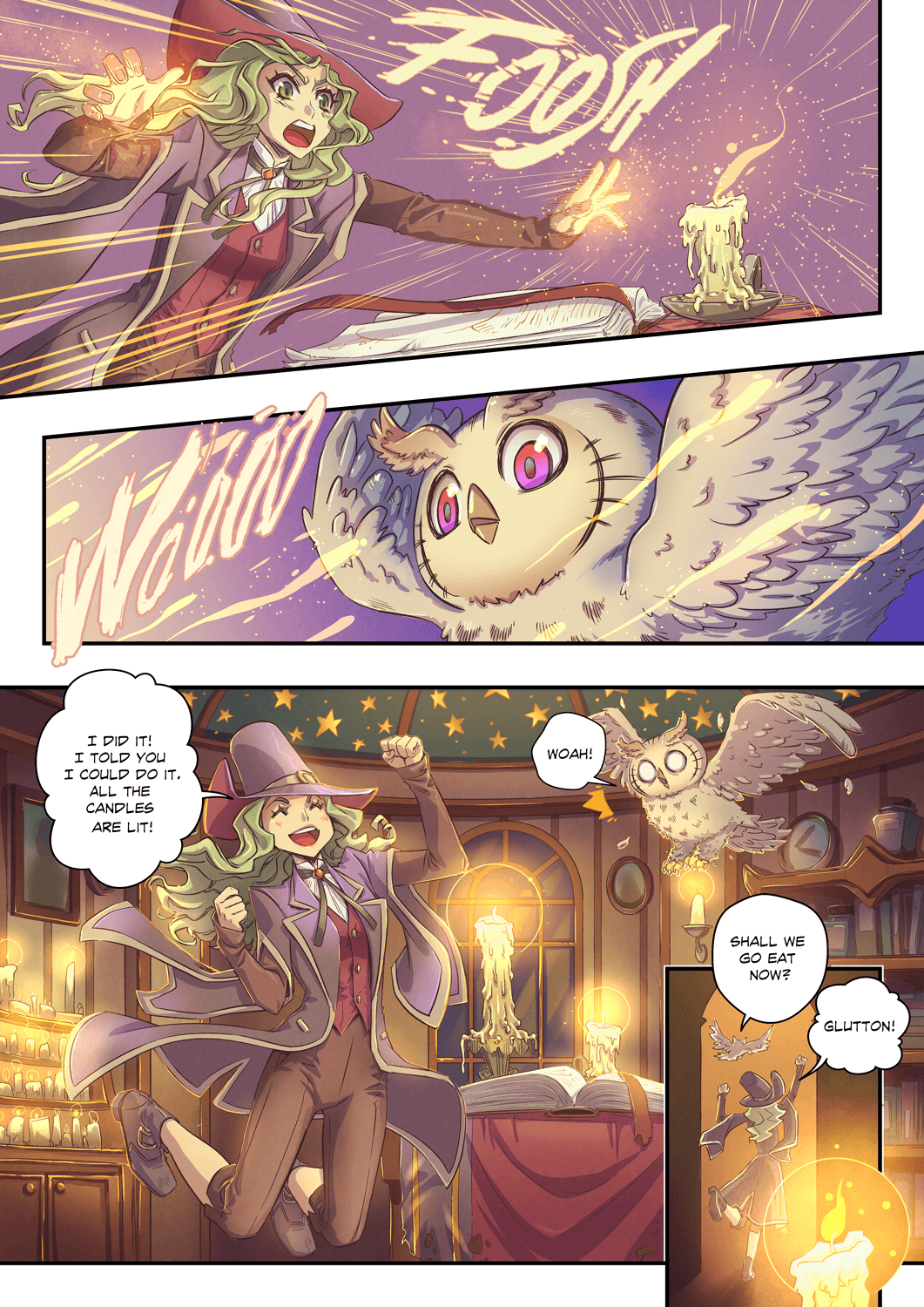
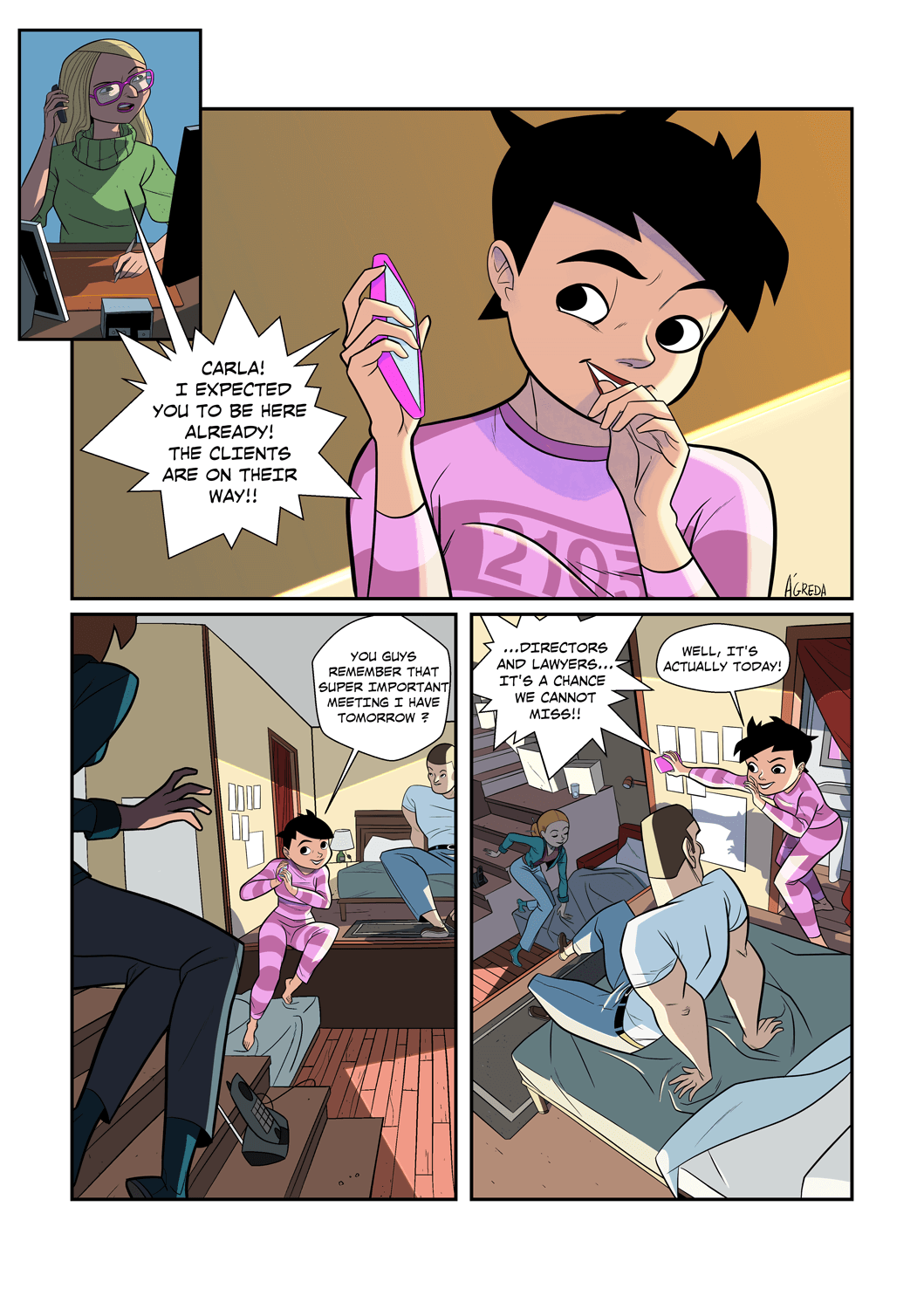
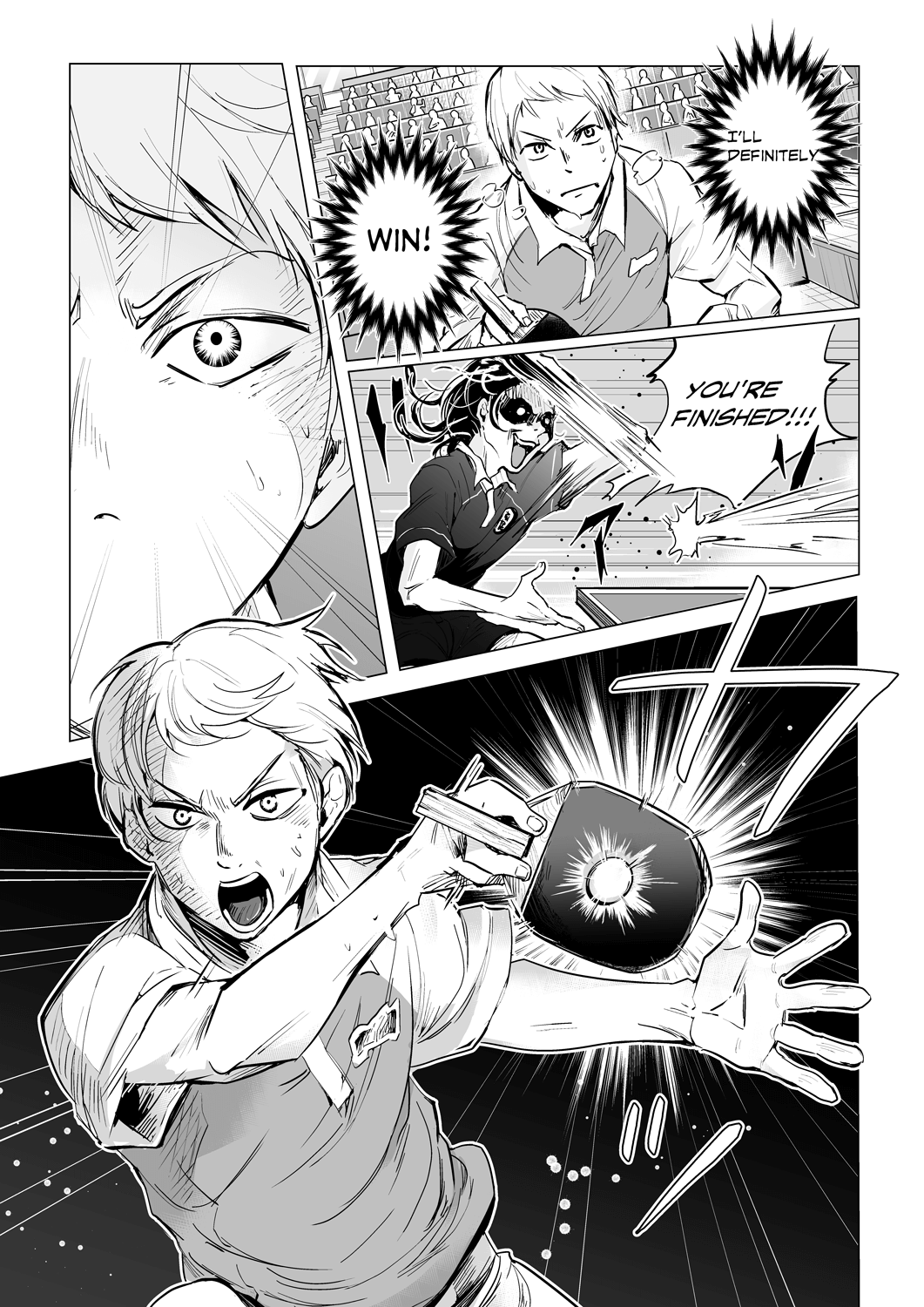
Samples for EX each of which collects a book of several pages into a single folder.