CLIP STUDIO PAINT

languageEnglishkeyboard_arrow_down
  • Features
  • Tutorials
  • Community
  • Materials
  • Support
  • Downloads
  • Free Trial
  • Buy
  • 日本語
  • English
  • Français
  • Español
  • Deutsch
  • 한국어
  • 繁體中文
  • 简体中文
  • ภาษาไทย
  • Bahasa Indonesia
  • Português (Brasil)

I have a perpetual one-time purchase license for Ver. 2.0

Version 2.0.6

for Windows
Start Downloadget_app

CSP_206w_setup.exe (approx. 390MB)

for macOS
Start Downloadget_app

CSP_206m_app.pkg (approx. 450MB)

  • Release notes
  • System requirements : Windows / macOS
  • End User License Agreement
  • OS Support Policy

Installing this software will also cause the following to be installed:

  • KindleGen*Windows only
  • Updater for before change in system requirements

Installation to Start-up (Windows/macOS)

  • Installing Clip Studio Paint for the first time
  • If you have Ver. 1
  • How to use Ver. 2.1

Installing Clip Studio Paint for the first time

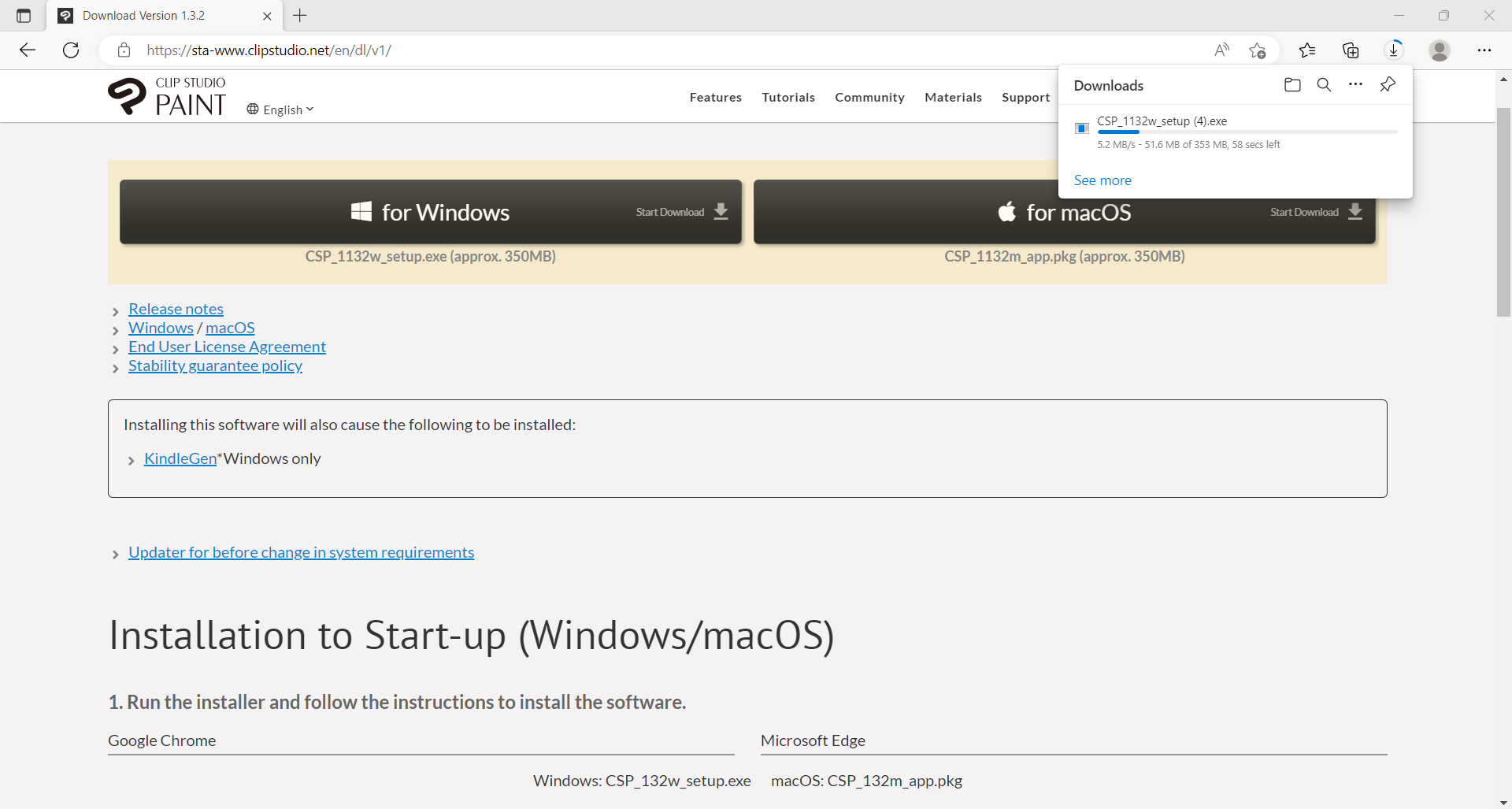
1. Run the installer and follow the instructions to install the software.
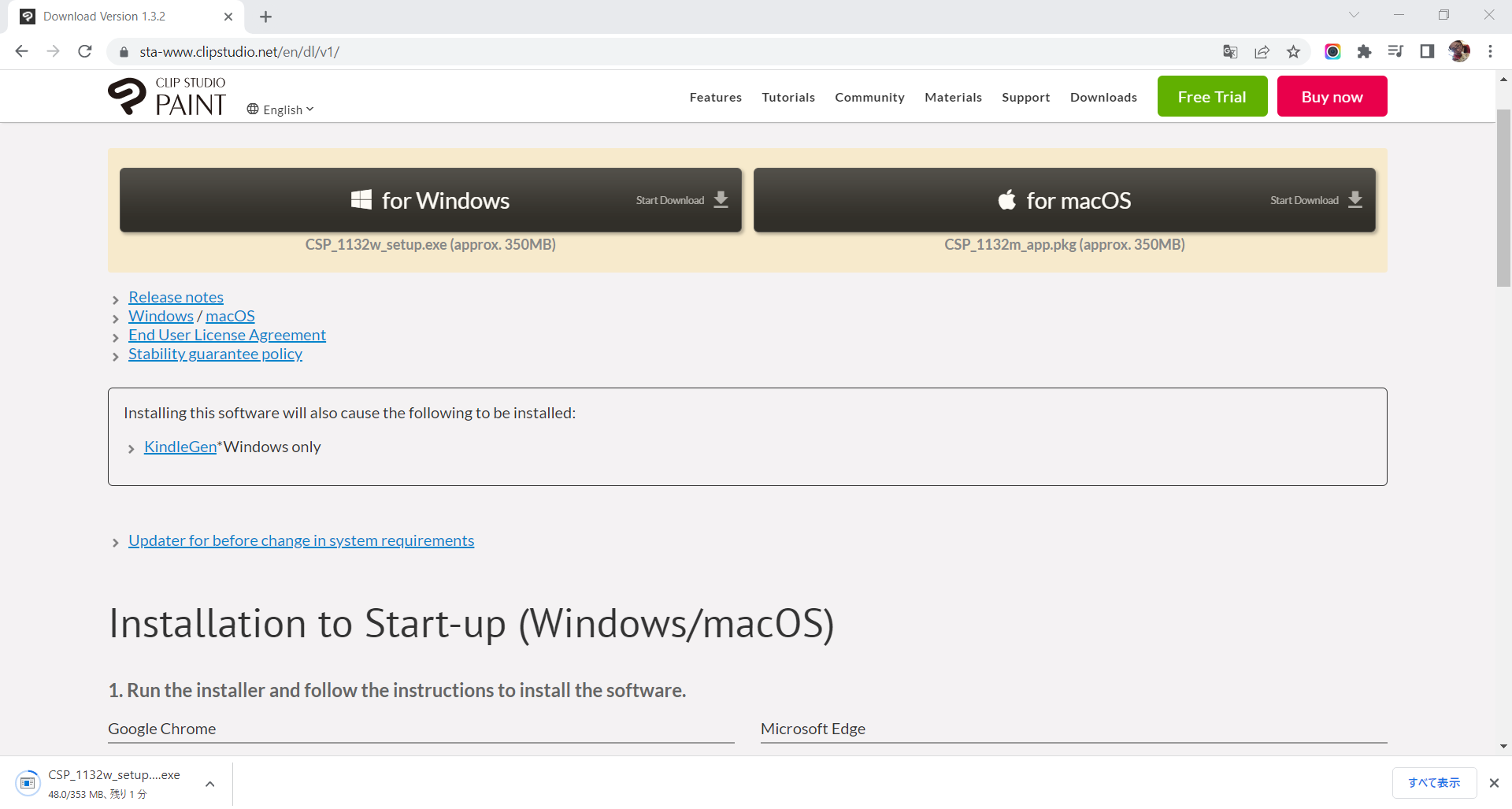
Google Chrome
Microsoft Edge
Windows: CSP_20Xw_setup.exe macOS: CSP_20Xm_app.pkg

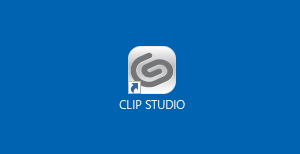
2. Start CLIP STUDIO.

Windows:

Tap the CLIP STUDIO icon on your desktop.


macOS:

Open the Applications folder > CLIP STUDIO 1.5 and tap the CLIP STUDIO icon.
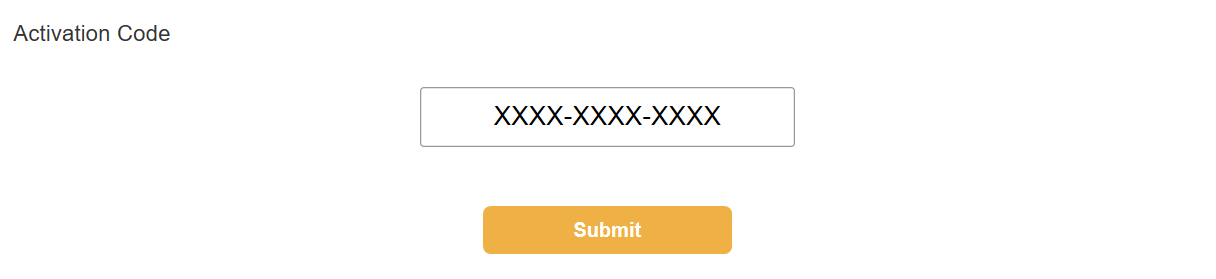
3. Enter your activation code.

Tap [Enter your Activation code here], enter your code, and tap [Submit] to register it.
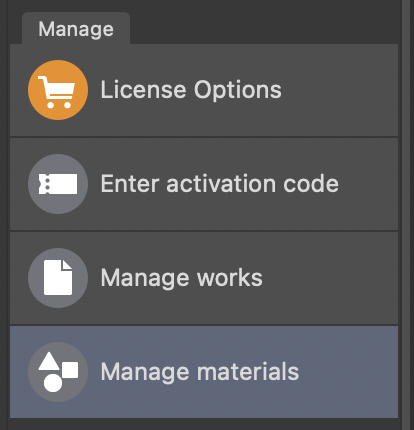
4. Confirm your activation code.

Tap [Apply] and then [Confirm].

5. Launch Clip Studio Paint.

Tap [Open Clip Studio Paint] to launch it.

6. Check out the basic operations.

  • Clip Studio Paint Official Tips & Tutorials

Find out more about how to make illustrations, comics, and animation works in the app and watch beginner tutorial videos and more.

Clip Studio Paint
Official Tips & Tutorials

If you have Ver. 1

  • For those with Ver. 2.0 of the app installed and have a Ver. 2.0 activation code
  • For those who don’t have Ver. 2.0 of the app installed but have a ver. 2.0 activation code

How to use Ver. 2.1

To use version 2.1, you need to sign up for an update plan, which gives early access to the latest features that will be included in future versions. See here for details.

Download

for Galaxy
Download on the Galaxy Storelaunch

6 months free

for iPad
Download on the
App Store
launch

Up to 3 months free

for iPhone
Download on the
App Store
launch

Free for 30 hours every month

for Android
Download on Google Playlaunch

Up to 3 months free

for Chromebook
Add to Chromebook

Up to 3 months free

for Windows / macOS

Please access this page from a computer to download the software.

Share this link

  • CLIP STUDIO PAINT
    • Features
      1. Concept art
      2. Character art
      3. Comics
      4. Animation
      5. Design
      6. for Galaxy
    • Purchase
      1. New license
      2. Upgrades
      3. Update Pass
      4. PRO to EX
      5. Lineup
      6. Educators
      7. Enterprise
      8. Student discount
    • Tutorials
      1. Official tutorials
      2. Community tutorials
      3. Art Rocket
      4. Tips of the Month
      5. Become a video creator
    • Community
      1. Clip Studio Start
      2. Q&A Community
      3. Contests
      4. Become an Official Expert
      5. Affiliate Program
      6. Artist Testimonials
      7. Gallery
    • Materials
      1. Asset Library
      2. Drawing & painting assets
      3. Comic assets
      4. Design assets
      5. Assets Challenge
    • Downloads
      1. Free trial
      2. Latest versions
      3. Release notes
      4. System requirements
    • Support
      1. System & maintenance information
    • About
      1. News
      2. Contact us
      3. Media resources
      4. Celsys site
      5. Service improvement program

Follow us

日本語  |  English  |  Français  |  Español  |  Deutsch  |  한국어  |  繁體中文  |  简体中文  |  ภาษาไทย  |  Bahasa Indonesia  |  Português (Brasil)
Terms of Use  |  CELSYS Terms of Service  |  Cookie Consent Options  |  Privacy policy  |  Site map
Become an Affiliate
Global Comic Awards
clipsolution

© CELSYS, Inc.

CELSYS LOGO Celsys, Inc. / President: Narushima Kei / Corporate Number (Japan): 1011101062869
Pacific Marks Shinjuku Parkside 2F, 4-15-7 Nishi-Shinjuku, Shinjuku-ku, Tokyo 160-0023 Japan
+81-3-3372-3156 support@celsys.com

This site uses cookies to ensure that we provide you with a better user experience. Anonymous data about your browsing activity on this particular site may be shared with our partners, advertisers, and social media services. Clicking "Accept" will enable cookies when browsing this site. You may modify your cookies settings and rescind your agreement at any time in Cookie Consent Options. Please see the Cookie Policy and Privacy Policy for further details.