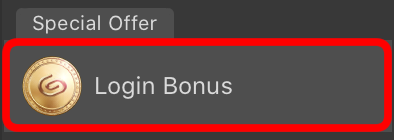
Login Bonus: Get up to 740 Clippy from December 16, 2025
December 16, 2025

Thank you for using Clip Studio Paint.
As a way of expressing our gratitude, we will be holding a Login Bonus event from December 16, 2025!
Login Bonus Period
December 16, 2025 1:00 am - January 26, 2026 5:59 am UTC
Eligible Users
Those with a Clip Studio account.
Note: Users that do not have an account can create one for free by tapping here.
Login Bonus Details
Get 15 Clippy for each day you login.
You can claim up to 20 days of login bonuses, and the amount of Clippy will increase on the 5th, 10th, 15th, and 20th login.
Login for 20 days for a total of 740 Clippy.
Bonuses are awarded on a per account basis, even if you log in from multiple devices.
About Clippy
You can earn Clippy tokens and tickets when you use Clip Studio services.
Accumulated Clippy tokens can be used to get useful materials for illustrations, comics, webtoons, and animations on Clip Studio Assets.
Use Clippy to get materials How to download materials obtained with Clippy
For more information about Clippy, please see here.
Clippy Expiration Date
Clippy will expire on the expiration date except while you are subscribed to an annual/monthly plan, where it will automatically carry over. Be sure to take advantage of this opportunity to earn all the login bonuses and use Clippy for your creative activities.
How to claim your Login Bonus
-
Please update to the latest version of Clip Studio or Clip Studio Paint that is appropriate for your license and serial number.
Download here -
Receive the login bonus
If you are already using the latest version
Receive the login bonus with the button below. Claim the current Login BonusIf you cannot receive the login bonus with the button above
Please take the following steps to claim the login bonus.
Version 3 or later
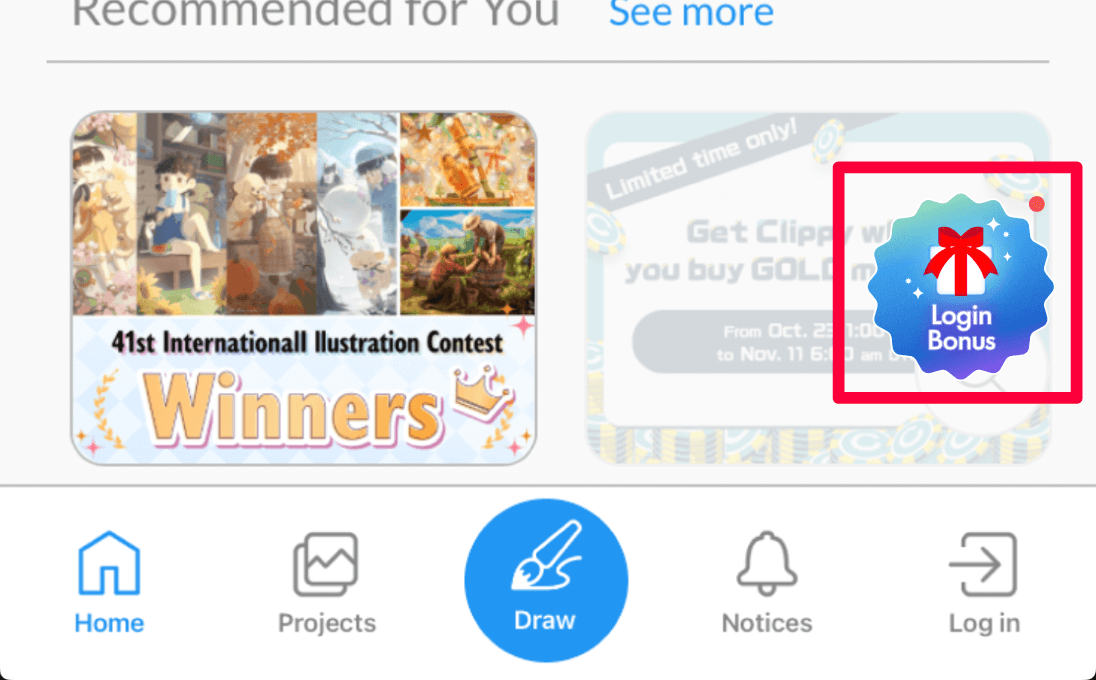
How to claim your login bonus from an Android smartphone/iPhone
Launch the app, tap on “Login Bonus” on the home screen, and log in to your Clip Studio account.
How to claim with an Android tablet or iPad
Launch the app, tap on “Login Bonus” on the home screen, and log in to your Clip Studio account.
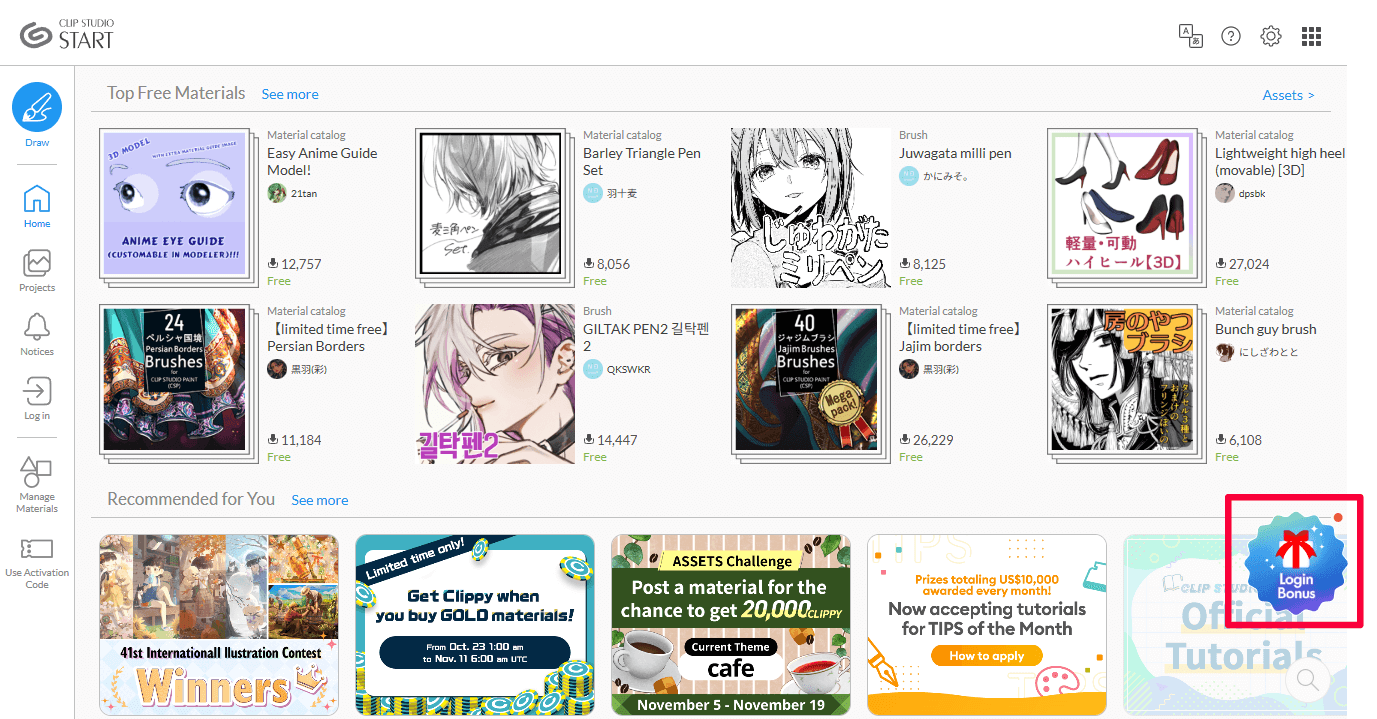
How to claim from a Windows/MacOS
Launch Clip Studio, click on Login Bonus on the home screen, and log in to your Clip Studio account.
Version 1 and 2
How to claim from a Windows/MacOS
Launch Clip Studio, click on Login Bonus, and log in to your Clip Studio account.