
The ultimate drawing & painting app

Windows / macOS / iPad / iPhone
Galaxy / Android / Chromebook
Windows / macOS / iPad / iPhone
Galaxy / Android / Chromebook
Sebijy
Join thousands of professional artists using Clip Studio Paint to create their own distinctive digital artwork.
Draw and paint in your own artistic style with all kinds of quality brushes that feel just like traditional materials.
Whether you’re creating professionally or for fun, take advantage of tools and features to help you create at your own pace.
Brush strokes feel smooth and precise.
Complete your art with more time to focus on the parts you love.
Set up common processes to run in a moment so you can keep drawing without a hitch.
Explore artist-centered features for more polished, high-quality artwork.
With built-in reference tools, you can improve your anatomy skills and learn to draw realistic and accurate backgrounds.
Easy editing tools help you make adjustments until you’re satisfied.
Create professional-grade quality and commercial-use file formats in an accessible app.
It’s easy to save your projects in compatible formats and work between other creative software.
From multi-page projects and merchandise to animations, make all things creative with Clip Studio Paint.
Try your hand at other creative pursuits with an app that goes beyond just drawing.

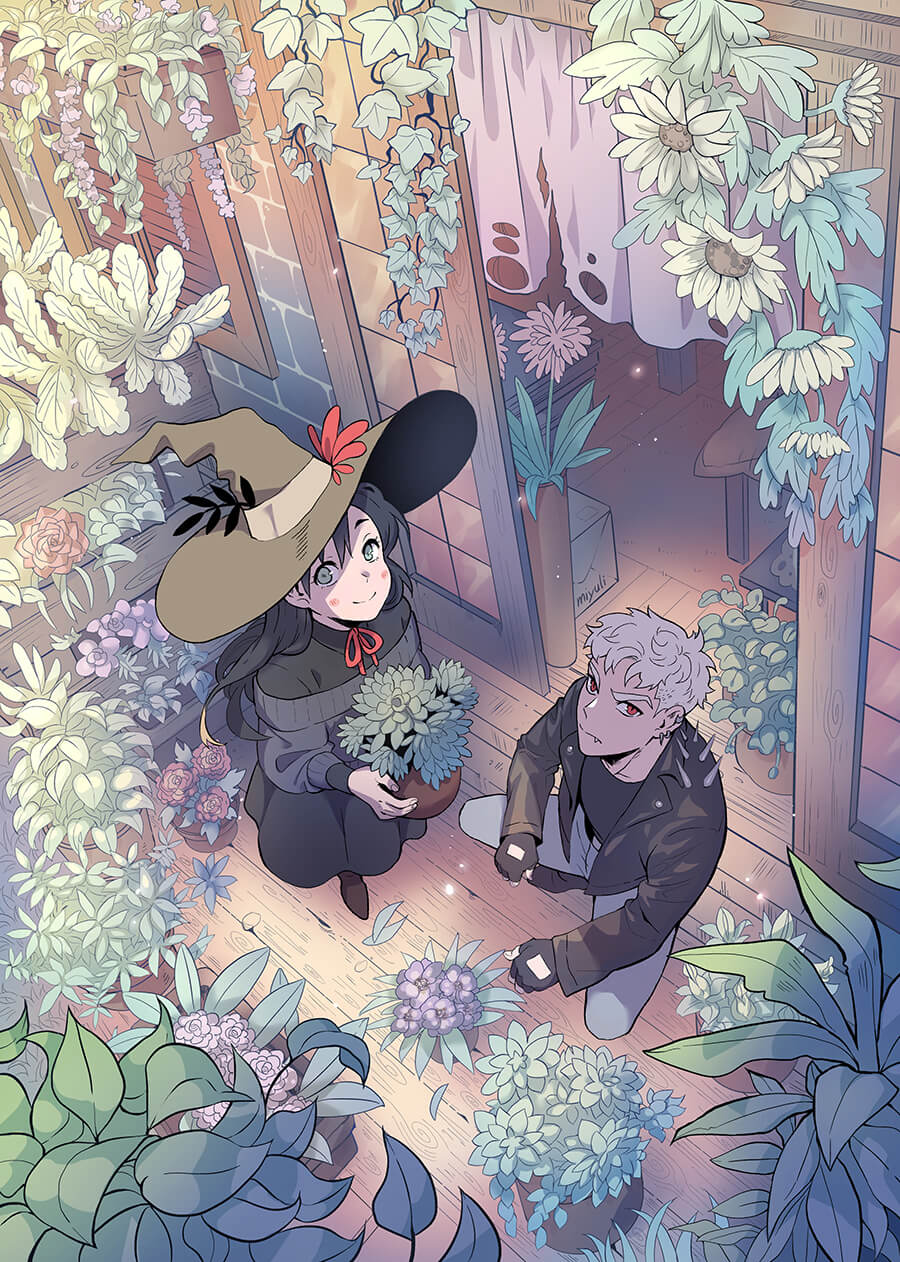
I've been using Clip Studio Paint for about 10 years now and the software just keeps getting better. It's perfect for drawing webtoons because there are great organizational tools. Also, it's super easy to export the entire webtoon at a suitable size.
One of the reasons I had to try Clip Studio Paint originally was the perspective rulers. And now, there is even a fisheye ruler! The 3D materials are also very helpful for reference.
Last but not least, I have to say that I really love the brushes. They are just great to work with and easy to draw illustrations and comics with, be it in color or black and white.
* Miyuli's comment is not meant as a direct endorsement of Clip Studio Paint by WEBTOON.

All of the features and the entire user interface are well thought out, can be customized to any artist's individual needs, and allow for an easy and intuitive entry into the program.
My favorite feature is the 3D character models, which are easy to position, light, and adjust in proportion.
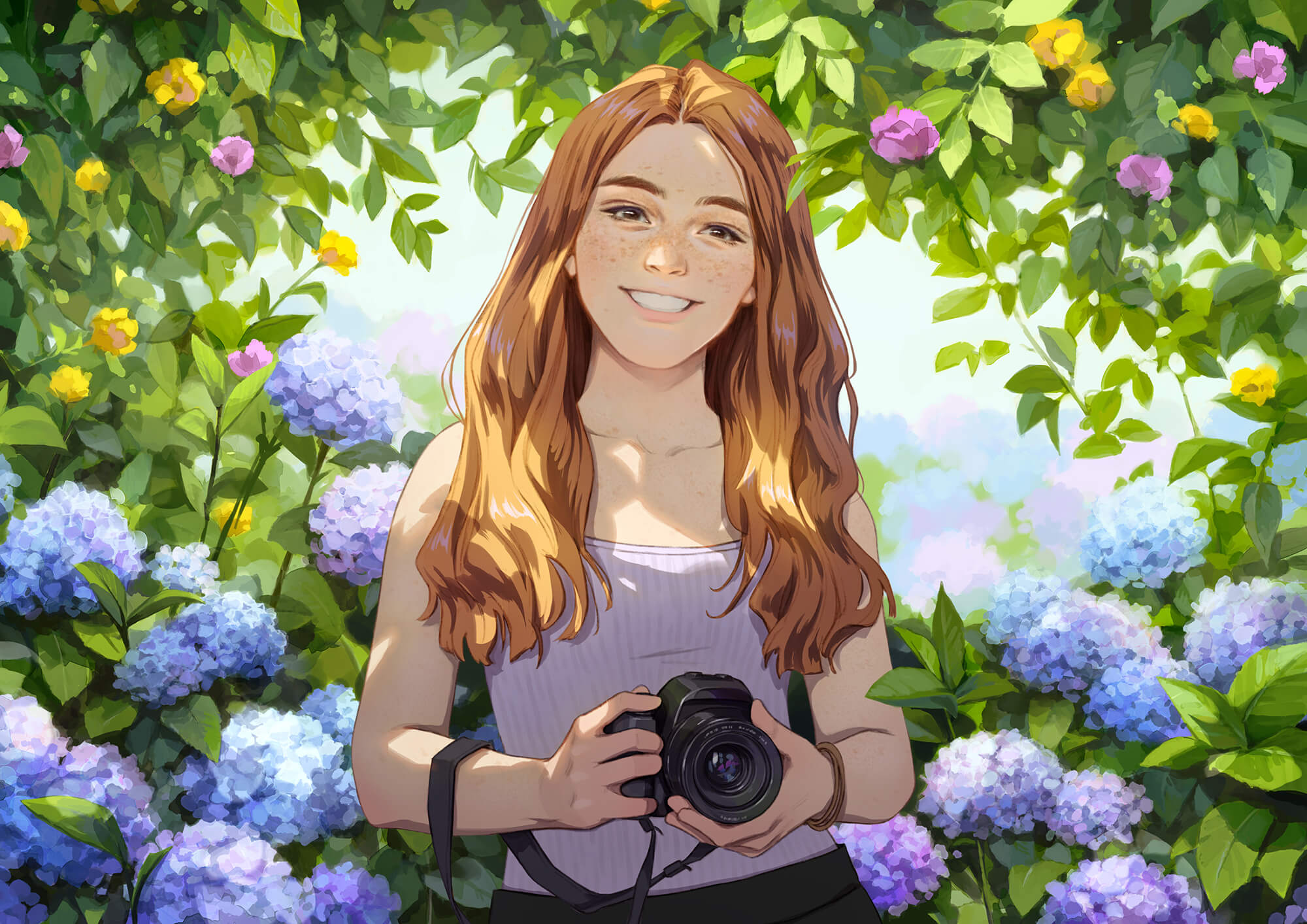
kami / Okamoto ©TriF
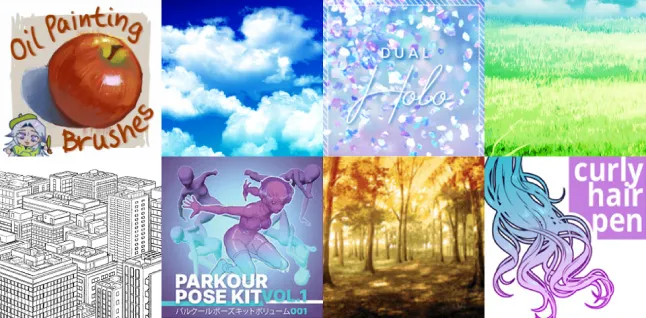
Find your new favorite
brushes and materials
Search now
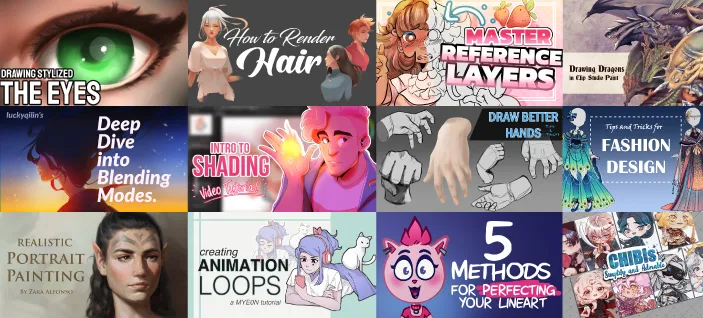
Tips and tricks to improve your skills
Work through your problem with a Q&A community
Having trouble? Contact our Support Team!
With countless free brushes created by artists from around the world, you’re sure to find your favorite.
Enjoy drawing digitally with the feel of traditional mediums.
Experiment with watercolors, oil paints, and more.
New to drawing? No problem.
Learn how to draw faces and human anatomy from helpful reference features.
Adjust your drawing as many times as you need.
Place background and prop materials as references for scenes and create your own compelling compositions.
Lay down base colors in a moment so you have more time to focus on what you enjoy.
There are a ton of features for achieving a polished finish no matter your pace.
Create bold and eye-catching illustrations with your favorite tools.
Drawing has never been easier.
You can save your work in industry-standard file formats and easily make changes later.
Create professional quality work with Clip Studio Paint, from artbooks and merch, to comics and animations.
I've been using Clip Studio Paint for about 10 years now and the software just keeps getting better. It's perfect for drawing webtoons because there are great organizational tools. Also, it's super easy to export the entire webtoon at a suitable size.
One of the reasons I had to try Clip Studio Paint originally was the perspective rulers. And now, there is even a fisheye ruler! The 3D materials are also very helpful for reference.
Last but not least, I have to say that I really love the brushes. They are just great to work with and easy to draw illustrations and comics with, be it in color or black and white.
* Miyuli's comment is not meant as a direct endorsement of Clip Studio Paint by WEBTOON.
All of the features and the entire user interface are well thought out, can be customized to any artist's individual needs, and allow for an easy and intuitive entry into the program.
My favorite feature is the 3D character models, which are easy to position, light, and adjust in proportion.
Find your new favorite
brushes and materials
Search now
Tips and tricks to improve your skills
Work through your problem with a Q&A community
Having trouble? Contact our Support Team!
Okamoto ©TriF
All the brushes you need at your fingertips, from watercolors, to oil paints, crayons, colored pencils, and more. Mix colors just like traditional materials and paint intuitively.
Brushes for every styleDraw frills, accessories, clouds, forests, and more in an instant with the thousands of available decoration brushes.
Find your new favorite
brushes and materials
Search now
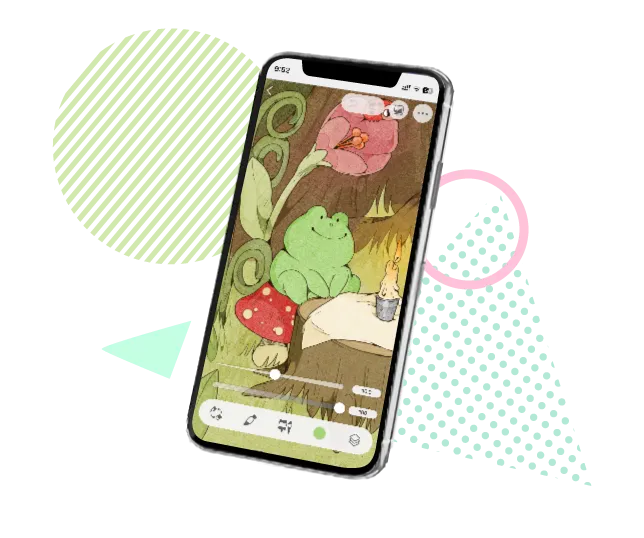
Sketch and ink right on your phone. Draw smooth and natural lines with a stylus or your finger. Pen pressure can be adjusted to fit your stylus.
Adjust the thickness and position of lines after they’re drawn, and erase intersecting lines to easily fix mistakes.
Color in areas easily even with gaps in your lines. Lock transparent areas to prevent painting outside the lines.
Draw perfect lines for backgrounds with the perspective ruler and use 3D objects to make rough sketches for props.
Even after drawing, you can tweak your artwork with Liquify and Mesh Transformation and adjust poses with Puppet warp.
Apply filters to blur and extract lines with one tap. Intuitively adjust your colors with previews.
Use the fully customizable 3D reference models and hand scanner to get the right pose and proportions for your character.
Tips and tricks to improve your skills
Work through your problem with a Q&A community
Having trouble? Contact our Support Team!
With panel frames, speech balloons, text, effect lines, and screentones, you’ll find all the tools you need.
Okamoto ©TriF
Animate as you draw with the light table and onion-skin features to create anything from simple GIFs to full animations.
The artist's app for drawing and painting.

Clip Studio Paint PRO/EX Comparison
| Feature | PRO For professional illustration |
EX All PRO features + animation and comic features |
|---|---|---|
Illustration (Character art, concept art, etc.) |
||
Import/Use 3D models |
||
Extract lines from images and 3D models |
||
Save layer comps |
||
Single-page comic tools |
||
Multi-page projects |
||
Webtoon tools |
* | |
PDF/Ebook export |
||
Simple animation/movie creation |
||
Full-length animation tools |
Boston University (America) / School of Visual Arts (America) / Pratt University (America) / London Metropolitan University (United Kingdom) / Northeastern University (America) / Tecnológico de Monterrey (Mexico) / Singapore Institute of Technology (Singapore)
What schools say about usMarvel (Animation Studio, America) / The Pokemon Company Int. (Game Development, America) / Warner Bros. Animation (Animation Studio, America) / WEBTOON Entertainment Inc (Webtoon Production, America) / Behaviour Interactive (Game Development, Canada) / Ellipse Studio (Animation Studio, France) / RED DOG CULTURE HOUSE (Animation & Webtoon Studio, Korea)
What companies say about us



Clip Studio Paint PRO/EX Comparison
| Feature | PRO For professional illustration |
EX All PRO features + animation and comic features |
|---|---|---|
Illustration (Character art, concept art, etc.) |
||
Import/Use 3D models |
||
Extract lines from images and 3D models |
||
Save layer comps |
||
Single-page comic tools |
||
Multi-page projects |
||
Webtoon tools |
* | |
PDF/Ebook export |
||
Simple animation/movie creation |
||
Full-length animation tools |
In addition to its natural and easy-to-use pens and brushes, it offers convenient features not found in other drawing apps/paint apps. Its flexibility, which allows both beginners and professionals to create in their own style, is highly valued and makes it a popular choice among creators.
Clip Studio Paint comes with specialized features not only for illustrations but also for comics and animation. It also supports design work, making it a comprehensive digital art app that helps with a wide variety of creative projects and is widely used in professional environments.
It is available on Windows, macOS, iPad, iPhone, and Android. As a multi-device drawing app/painting app, it provides a seamless environment where you can sketch on mobile while on the go and continue working on the same project on your PC at home or in the studio.
You can try it free for up to 6 months. After that, you can choose from affordable monthly or annual plans, or purchase a one-time perpetual license for Windows and macOS. This flexibility lets you select the option that best fits your needs and budget.
With its natural pens and brushes and rich support features, beginners can create with confidence. The mobile version uses a simplified UI, making it an intuitive digital drawing app to start with.
Plenty of official tutorial articles and instructional videos are available. In addition, the community and social media share user tips, helping you efficiently learn to use various drawing tools/paint tools.

Draw whatever you can imagine, whether you’re a beginner or seasoned professional, and share your creativity with the Clip Studio community!



© CELSYS, Inc.
 Celsys, Inc. / President: Narushima Kei / Corporate Number (Japan): 1011101062869
Pacific Marks Shinjuku Parkside 2F, 4-15-7 Nishi-Shinjuku, Shinjuku-ku, Tokyo 160-0023 Japan
+81-3-3372-3156 support@celsys.com

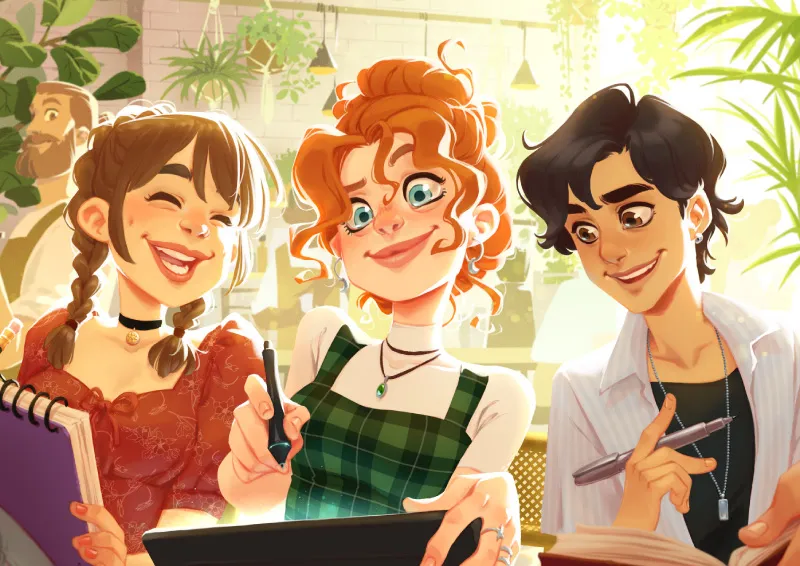


Why we love and use Clip Studio Paint
Favorite Clip Studio Paint features
CarolemellowIllustrator
3 exercises to up your digital art game
vespertiliuComic book author and illustrator
Why I love Clip Studio Paint
artbylourisArtist