Character Art and Drawing
What You Need to Put More
"Character" Into Your Art



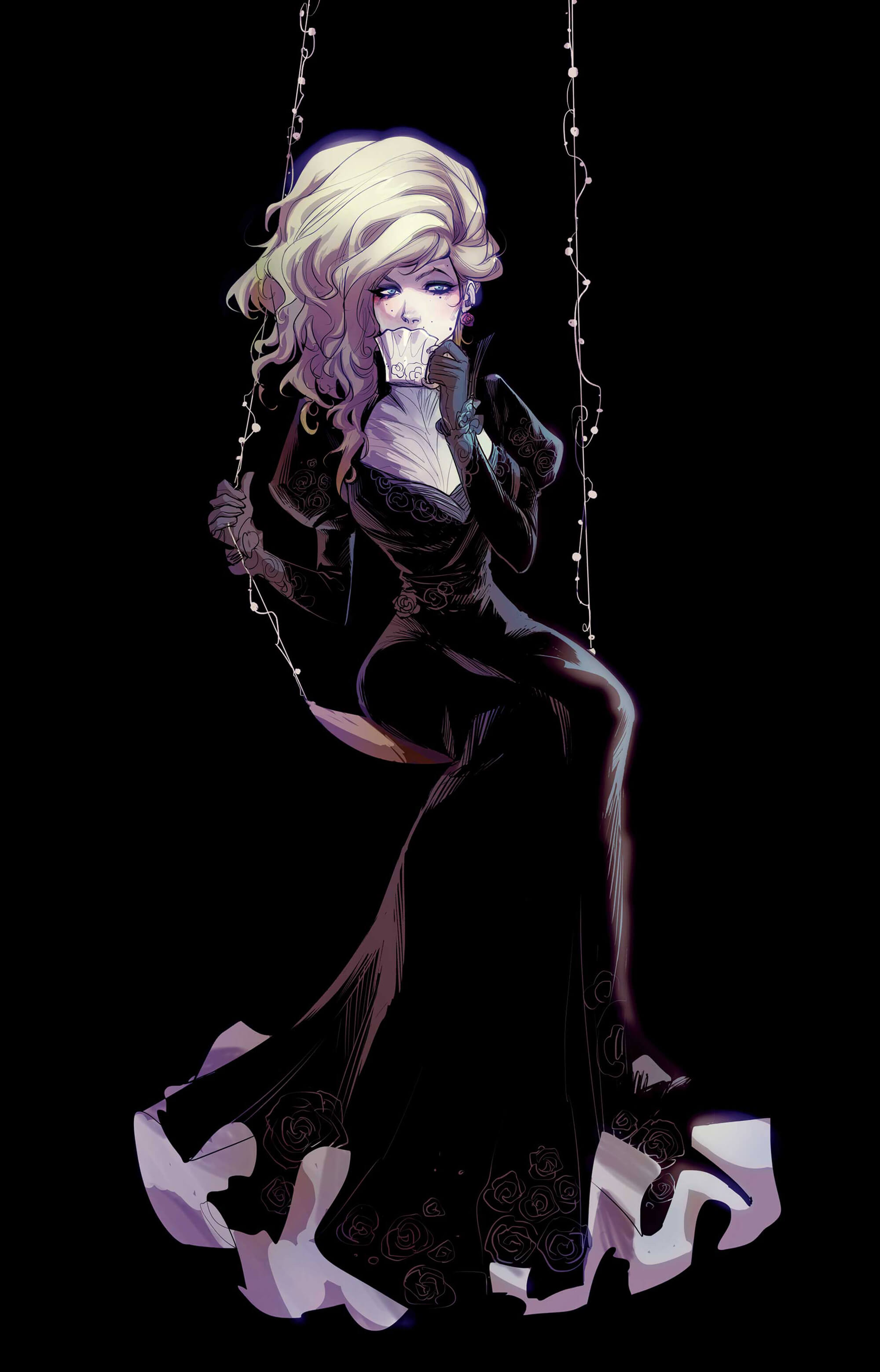
Mel Milton
Mika Pikazo
Sam Nassour
Nabetse Zitro
Mel Milton
Mika Pikazo
Sam Nassour
Nabetse Zitro
Clip Studio ASSETS brings over 100,000 brushes and materials to your fingertips. Or, make your own drawing tools with Clip Studio's deeply customizable brush engine and user interface. Create your own signature style, whether watercolor, oil, or anime-style coloring.
From precise color mixing to running paint and wet watercolor style brushes, experience realistic color mixing rarely seen in digital software. Ver 2.0 allows for more natural color mixing while maintaining color brightness.
Clip Studio Paint's sophisticated brush engine recognizes 8192 levels of pen pressure. Put digital pen to digital paper and draw exactly how you want - every line, every detail.
Let the stabilizer feature automatically correct minor wiggles or mistakes in lines, adjust the pen pressure sensitivity to your liking, or use vector layers for greater control of your lines.
Use decoration brushes to replicate complex patterns like shoelaces, necklace chains, and other accessories with a single stroke. Or, create city skylines, cobblestone, tiles, and entire backgrounds by simply dragging your brush until you're satisfied!
Clip Studio Paint's sophisticated fill tool lets you color your canvas with confidence. Easily fill areas without leaving gaps, even where there are broken lines, and color while referencing line art on other layers. You can also create easy, eye-catching gradients with just a click.
Auto-generate natural-looking shadows from lineart and filled areas and then fine-tune them by adjusting the position and angle of the light source and setting the shadow’s color.
Use a filter to blur, sharpen, add noise, mosaics, and more to add effects to your piece. Preview and compare multiple filters to create that perfect finishing touch to your work.
Make a completely unique reference to stage difficultly angled poses for characters with custom proportions. Add accessories as well like hats or shoes to get as elements as close to your vision as possible.
References for any situation! You never have to look at references again with countless poses for 3D models, an adjustable head model where you control facial features, and a hand scanner that poses the figure with your hand. You can also attach props like hats and shoes to your 3D model to instantly create a reference close to your character design.
Eric-Anthony J.
Create your very own facial reference with our adjustable head model.
Fine-tune overall shape, eyes, nose, eyebrows, ears, mouth, and other parts.
The base head can also be transformed into various styles, such as realistic, chibi, and anime.
Draw guidelines or patterns on 3D drawing figure or 3D primitives. Check how they appear at different angles or poses.
When placing a 3D material, you can view from four angles simultaneously. You can also change the position of the camera and the focal point on the 3D layer. When you change the camera position from the All sides view palette, the model also adjusts on the canvas.
EX

“Clip Studio Paint is perfect for my purposes: intuitive and simple.”
The speed of execution is important to me, and I always have to maintain good quality even when there is no time. Clip Studio Paint is perfect for my purposes: intuitive and simple. The brushes (even the basic ones) are the best I've ever used in a digital drawing app. My favorite is the Textured Pen, which I use a lot for inking since it leaves a slight "texture" in the stroke that makes the line softer. I also often use the integrated "Decoration" tools and they are very useful to easily draw details when the deadlines are particularly difficult.
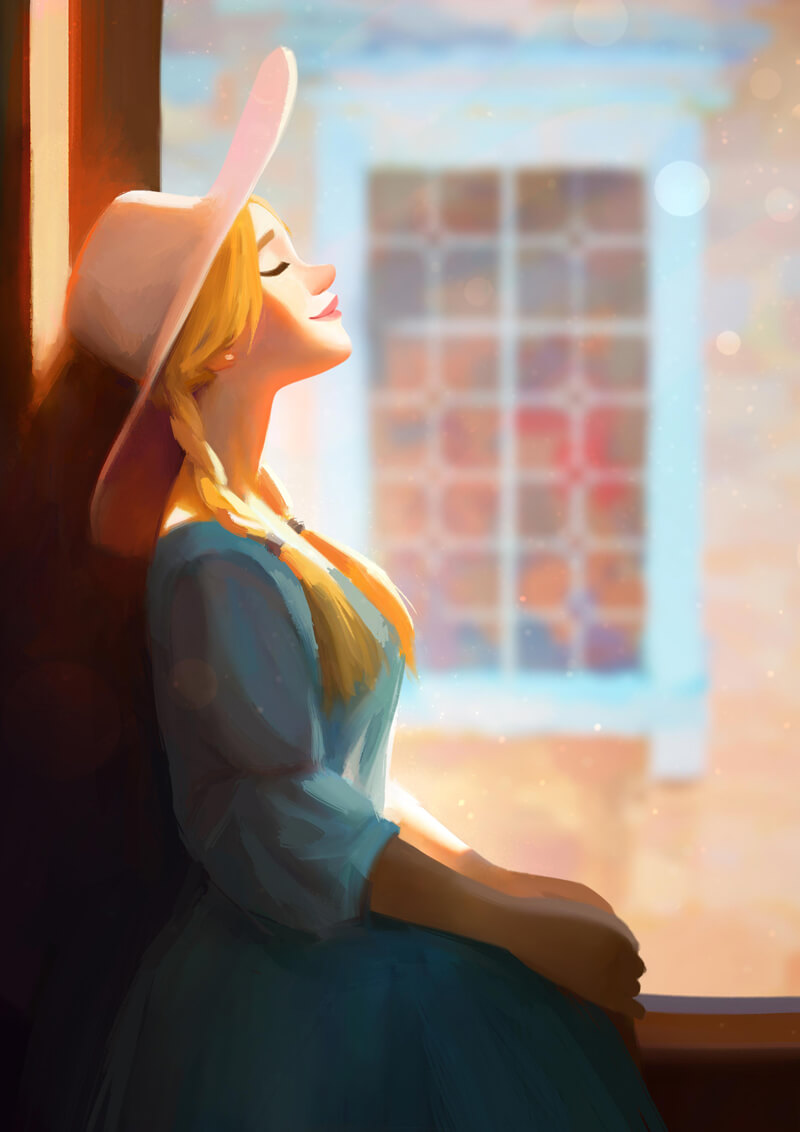
“The process of creating complex artwork has been made much easier”
The process of creating complex artwork has been made much easier with the help of Clip Studio Paint's fantastic capabilities. I like how customizable the software is, all shortcuts and modifier keys can be set to different functions easily. And when I'm painting, I like the way colors blend together by using the Mix function in the brush customization menu. I also love using the inking brushes for my line work. They have a very natural feel and a high response to pressure sensitivity; going from thick to thin lines in one smooth stroke is quite easy, especially when using the Stabilization slider that allows you to slow down the brush stroke for more precision. I often keep the color wheel palette on top of the canvas so I can quickly choose the right colors. I also use other advanced color palette like the approximate color and intermediate color palette. Both really help choosing colors in different lighting situations.
“Clip Studio Paint is… ideal for rendering and inking”
Clip Studio Paint is a versatile digital painting program that is ideal for rendering and inking with its many useful and unique features. It is easy to learn and has many tools and custom brushes that allow you to paint and render any type of illustrations you want. It even include 3D models of characters, items and backgrounds that you could pose and angle to further help as a visual reference, super neat function! Its competitive price point also makes it more affordable and accessible to everyone.
“The Fill and Auto Select features are amazing for painting”
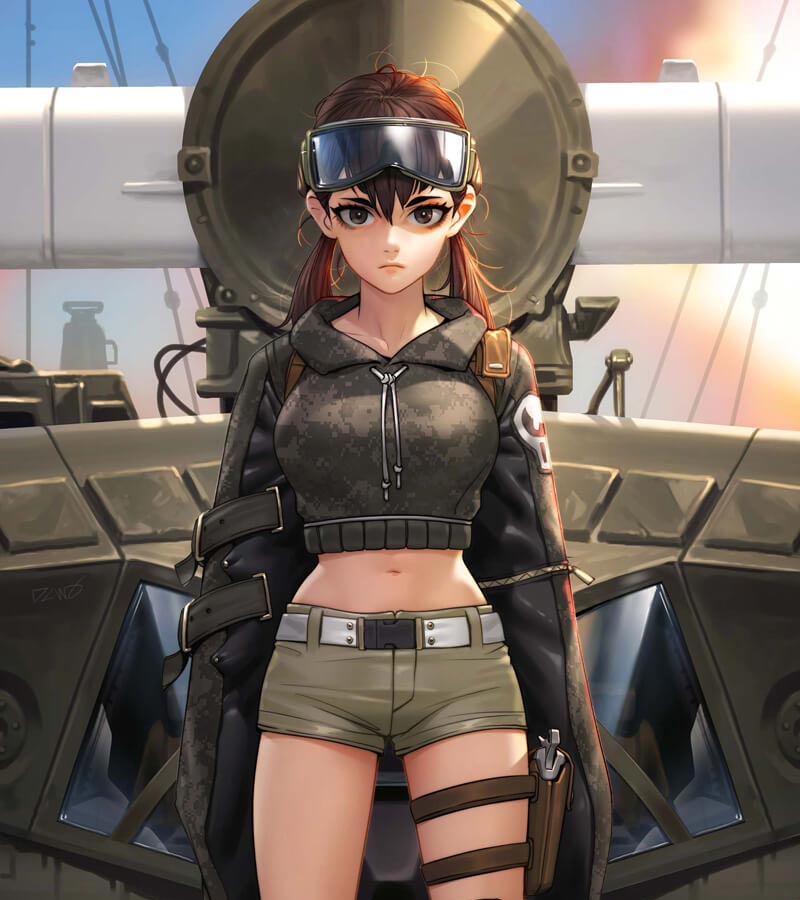
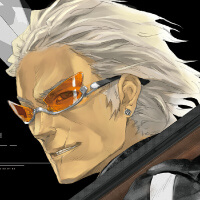
Clip Studio Paint is one of the main tools I use for work. The Fill and Auto Select features are amazing for painting, and I also like that I can transform selections on multiple layers. Even when making something in Photoshop, I sometimes switch to Clip Studio Paint just for that feature.
“A variety of brushes and tools to bring my imagination to life”
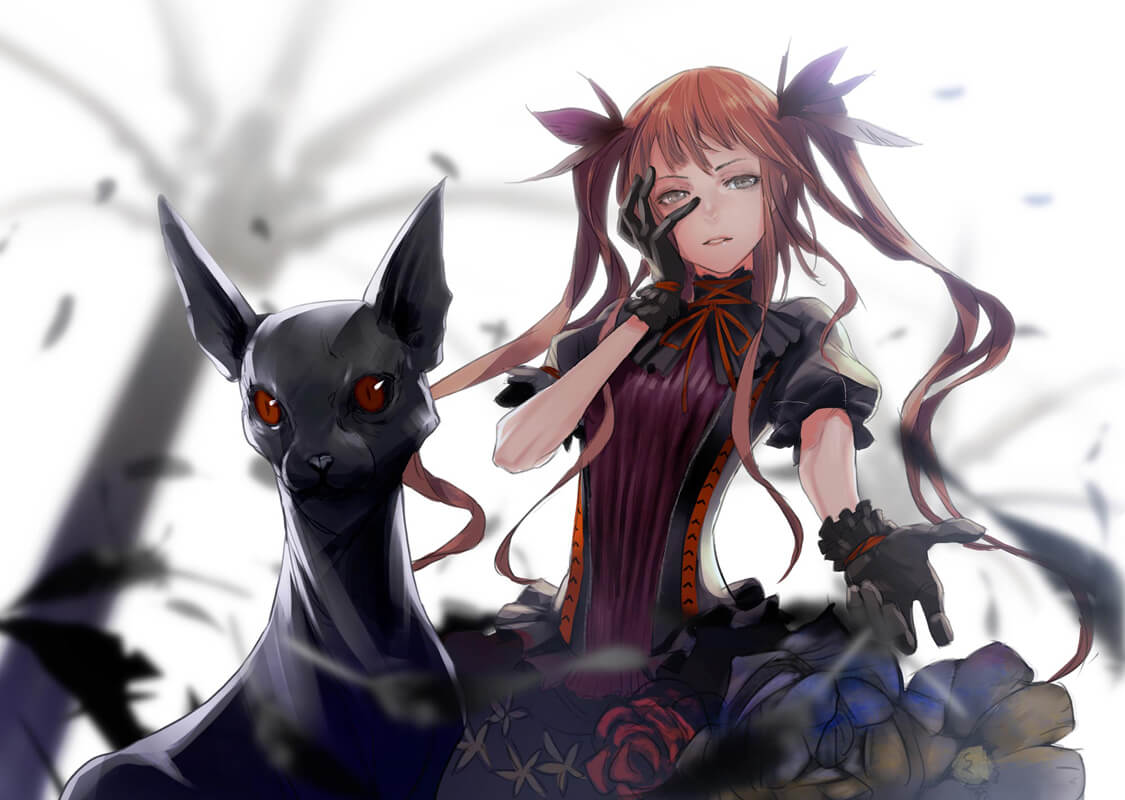
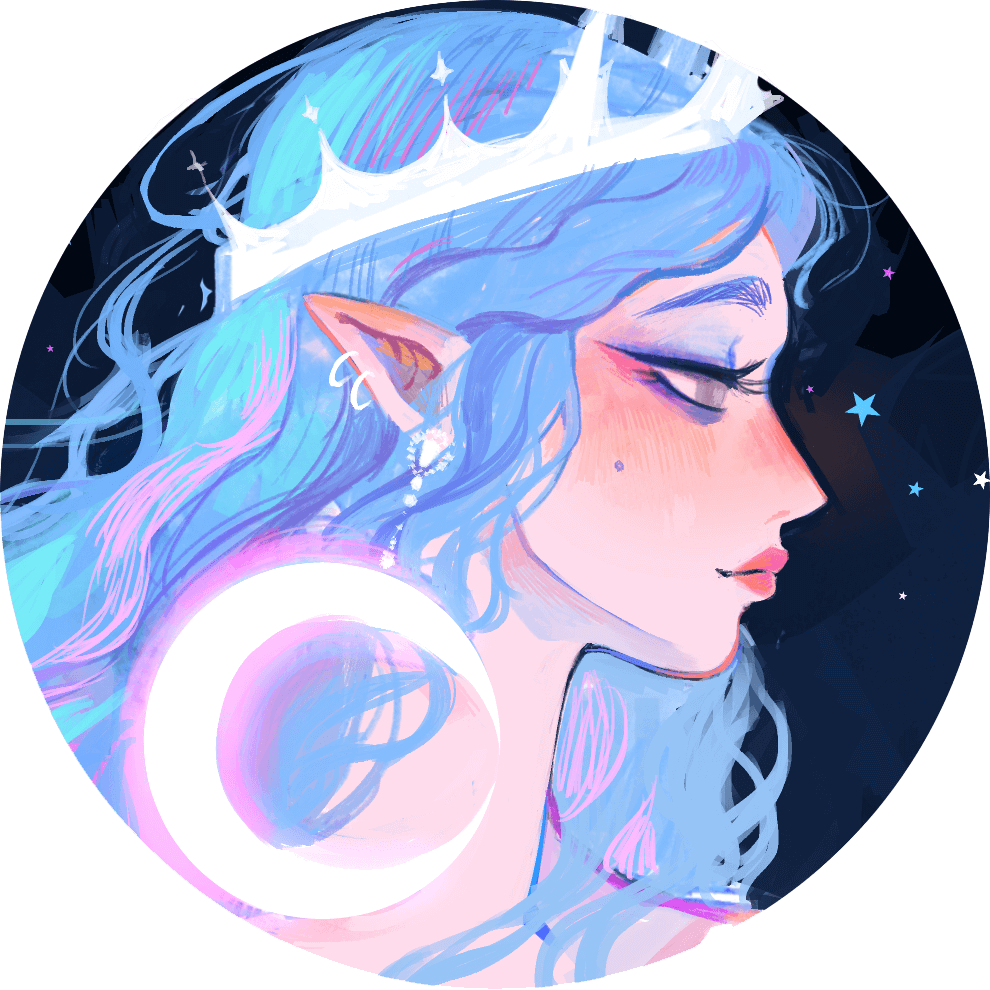
I love Clip Studio Paint for its versatility, enormous bank of resources, and ease of use. When making art I'm most interested in minimizing the amount of time between an idea popping into my mind and sitting down to turn that idea into reality. Clip Studio Paint has a clean interface that allows me to immediately jump into the act of drawing and experiment with a variety of brushes and tools to bring my imagination to life.
In this speed painting, Street Fighter character designer "Akiman" uses Clip Studio Paint to draw iconic video game fighter Chun‑Li.
Gui Guimaraes is a concept artist and has worked on projects such as Just Cause 3, Call of Champions and Saints Row 4. He shares his process to create a character in his Cyber Candy Girls series using Clip Studio Paint in Artstation Magazine.
Redjuice is a Japanese illustrator and character designer, known for his work on Guilty Crown and Beatless.
kiDChan/Cyanparade is an artist based in Malaysia.
Her style is highly influenced by contemporary Japanese art and modern design elements blended with early 20th-century illustration and Art Nouveau.
(France, Digital Art School)
Used by the 3D and concept art talents at the Artline Institute, Clip Studio Paint is revolutionising our approach to digital art. Thanks to Clip Studio Paint, we're enabling our students to make comics using the best digital tools available. Most of our teachers use it, which is why we highly recommend it.
(Thailand, Webtoon & Game Design)
Clip Studio is a fantastic tool for digital artists, particularly for character design and webtoon/comic creation. One of the primary reasons we choose it is for its exceptional capabilities in drawing and design. Features like layer management and customizable brushes empower us to create a diverse range of artwork.
(Brazil, Digital Art School)
Riscor chose Clip Studio Paint because it is an industry standard and offers a complete set of tools that meet the needs of both beginners and professionals. We recommend CSP for its variety of features, such as customizable brushes, vector lines, workspace personalization, and support for a wide range of colors.
Clip Studio ASK and Clip Studio TIPS are user community-driven resources that connect you to creators of all skill levels. Ask, answer, check out official content, or just hang out with fellow artists!
Clip Studio Paint users have access to a dedicated support team to answer questions and help you with issues of any kind. Our support team is standing by!
Use all the features of the PC Version on your iPad, iPhone, Galaxy, Android, or Chromebook device, optimized for comfortable creation on smaller screens. Clip Studio Paint is pre-loaded on the latest Galaxy Android Tablet Tab S series, available worldwide, making it the first choice for getting started with digital art.
The number of people starting to create digital works with Clip Studio Paint on all sorts of devices continues to grow. Get creative with the rest of the Clip Studio Paint community!
Clip Studio Paint PRO/EX Comparison
| Feature | PRO For professional illustration |
EX All PRO features + animation and comic features |
|---|---|---|
Illustration (Character art, concept art, etc.) |
||
Import/Use 3D models |
||
Extract lines from images and 3D models |
||
Save layer comps |
||
Single-page comic tools |
||
Multi-page projects |
||
Webtoon tools |
* | |
PDF/Ebook export |
||
Simple animation/movie creation |
||
Full-length animation tools |
Are you a content creator? Spread the word with your content and get a kickback on each sale you bring.



© CELSYS, Inc.
 Celsys, Inc. / President: Narushima Kei / Corporate Number (Japan): 1011101062869
Pacific Marks Shinjuku Parkside 2F, 4-15-7 Nishi-Shinjuku, Shinjuku-ku, Tokyo 160-0023 Japan
+81-3-3372-3156 support@celsys.com