Overcome Art Block in 4 Easy Ways
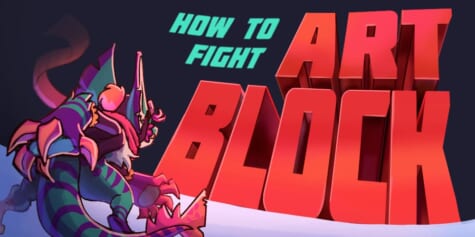
Feeling stuck with your art? In this article, Koast shares 4 simple ways to fight art block, spark creativity, and make drawing fun again.
Contents
My name’s Koast; I’m a 2D and 3D artist who focuses on characters and their stories.
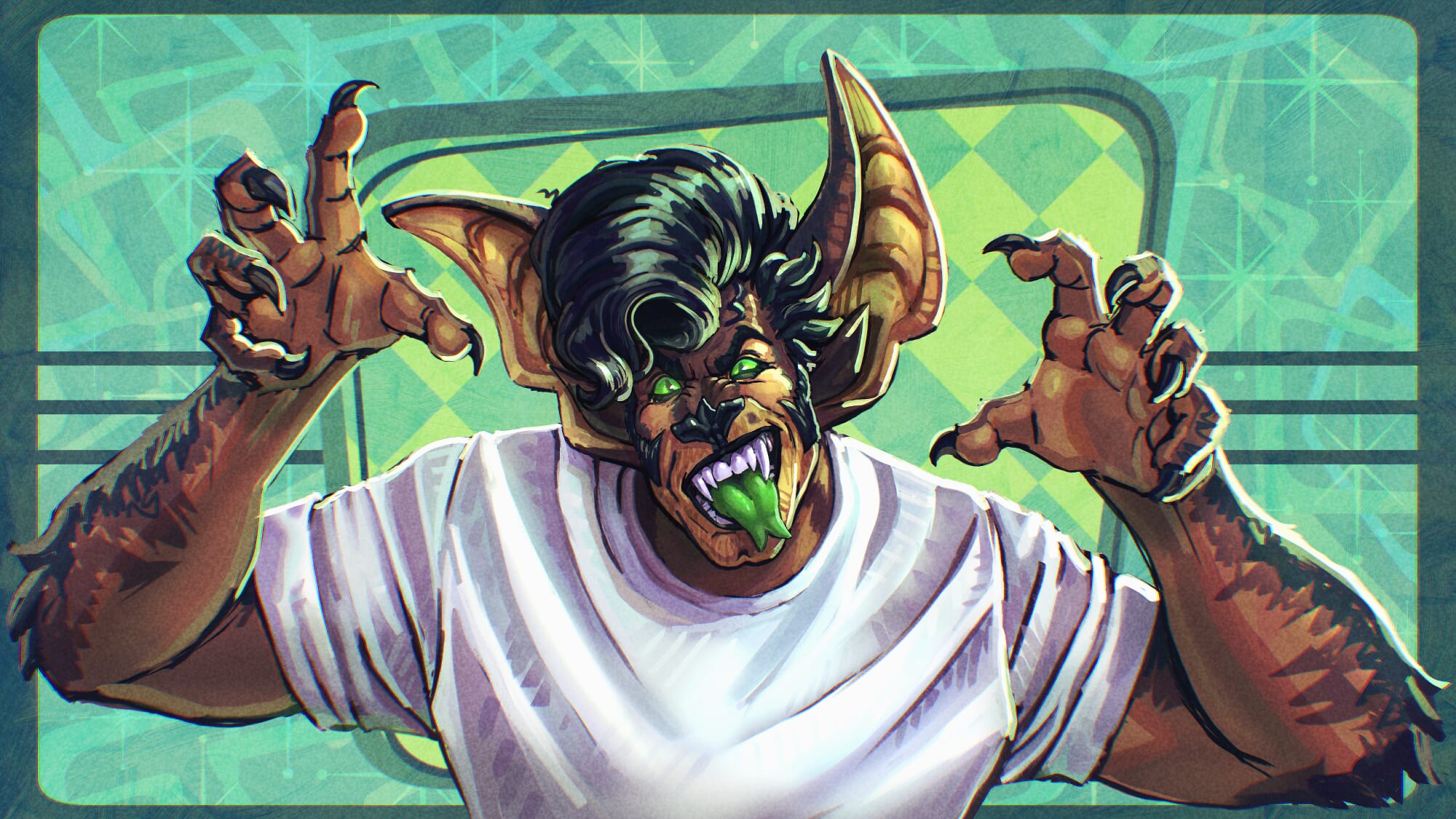
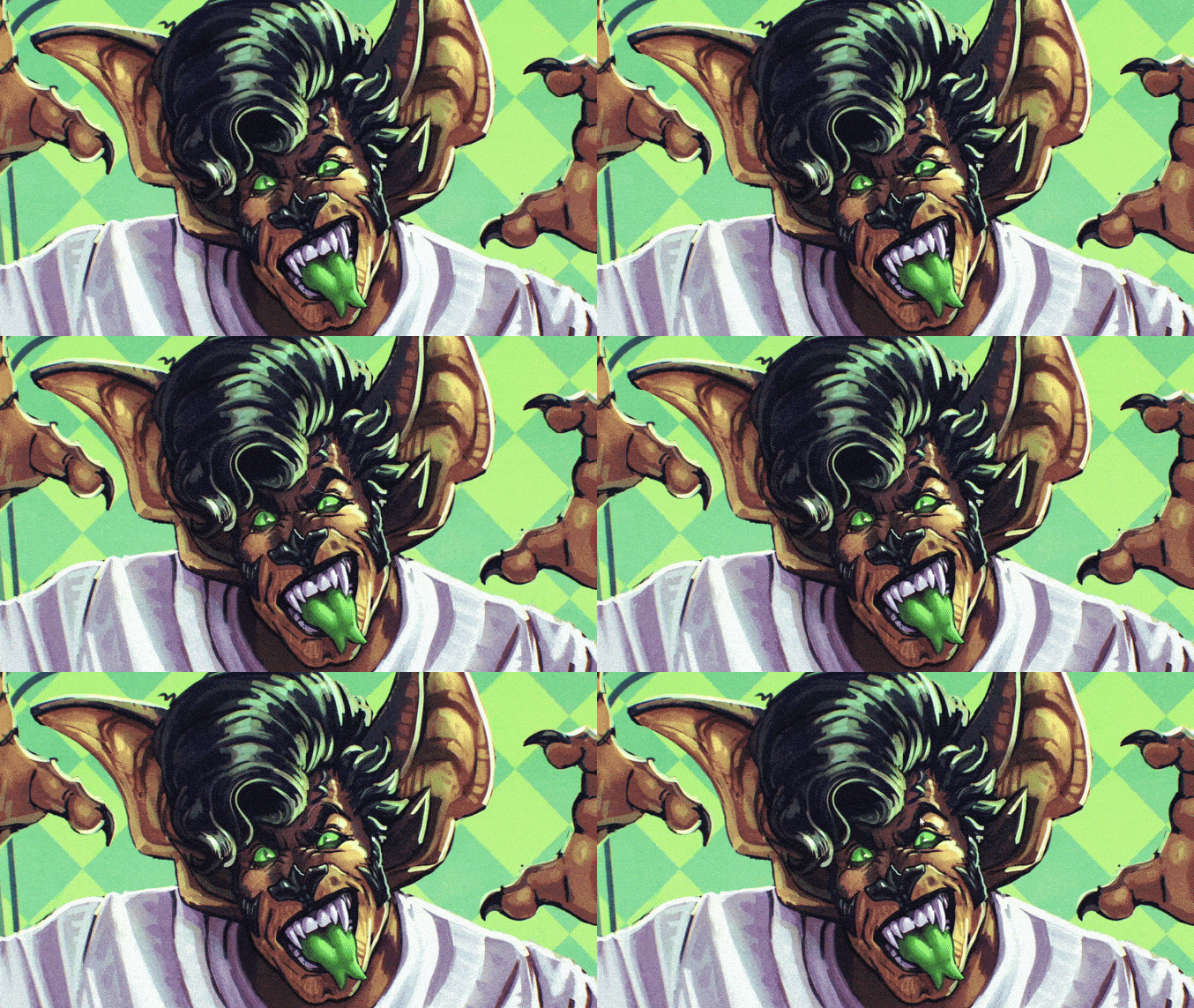
In this article, I’m going to share four methods I use to combat art block through the use of Clip Studio Paint! Here are the examples I came up with for a couple of the methods spoken about in this article.
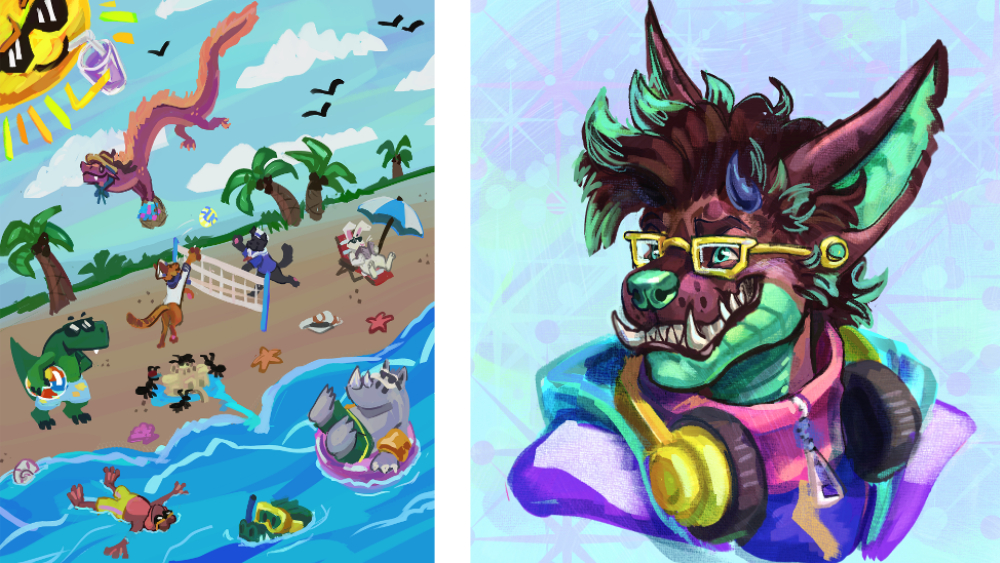
No matter where you’re in your artistic journey, there’s one challenge we’ve all collectively experienced, and that is: art block.
What is Art Block?
It can manifest differently for everyone, but some of the experiences I’ve heard from others and dealt with myself include:
-
- Feeling like your art has gotten worse
- Feeling like you can’t execute your ideas the way you want to
- Feeling like your creativity is not present
- Feeling a lot of self-doubt
See how all these experiences are feelings and not facts?
That’s because art block stems from emotions; it’s not a measurement of your skills and capabilities as an artist. It’s simply a mental block that focuses a lot on being perfect or getting things “right”.
If you’re experiencing any of these emotions listed, chances are you’re facing a mental block with your art. But don’t worry, there are ways to combat this!
What Causes Art Block?
Before we get into the 4 ways to battle art block, we first need to understand why it’s happening and where it comes from. The main thing to remember during this process of fighting art block is: Art is supposed to be fun.
It’s hard to find that fun when you have so many loud feelings in the system that makes up you. The main parts of the self that need focus here are the Inner Critic and Inner Child. After all, they’re battling the most here.
Inner Critic
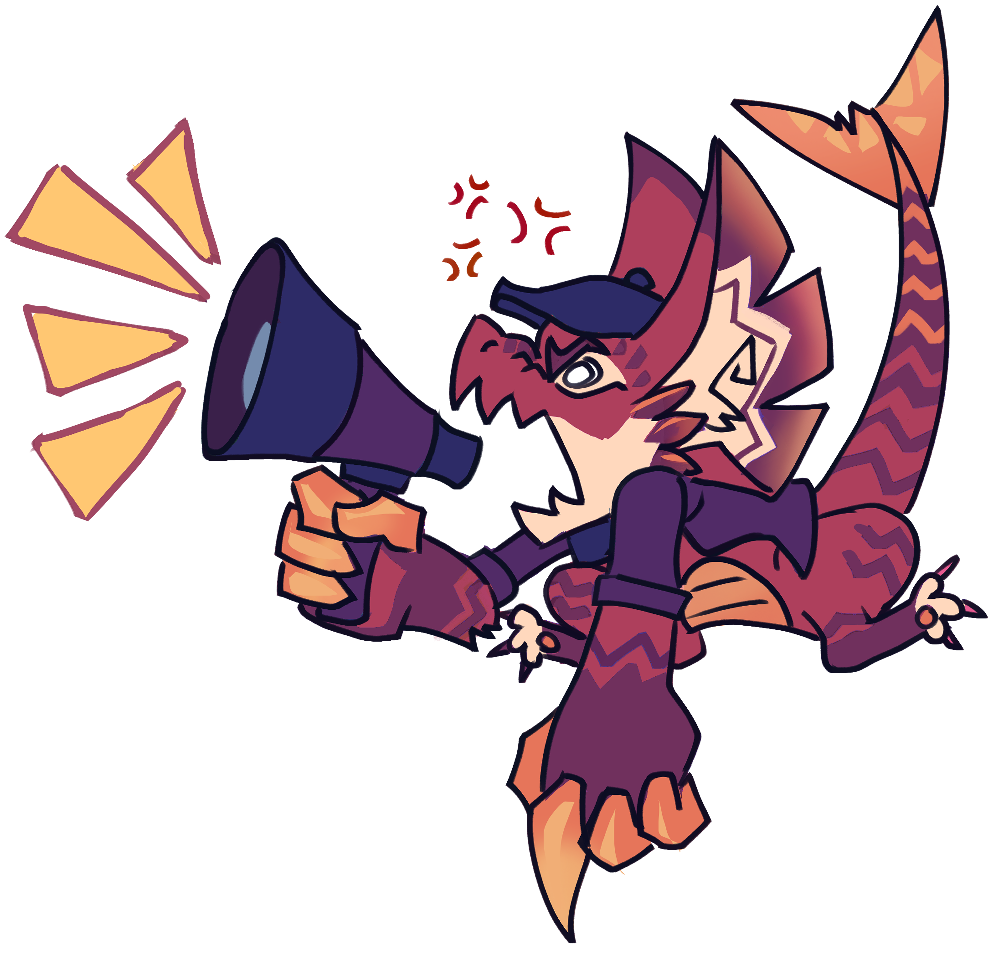
The Inner Critic is where art block stems from. It’s the one telling you you’re incapable, it focuses on all your mistakes, and puts a lot of self-doubt in you. Of course, it’s going to feel impossible to perform when you have this loud, curating voice shouting at you the entire time you create.
Consider that, in its own way, it’s trying to help you. All it wants is for you to be better; what it doesn’t recognize is that its method of help isn’t the most compassionate.
Inner Child
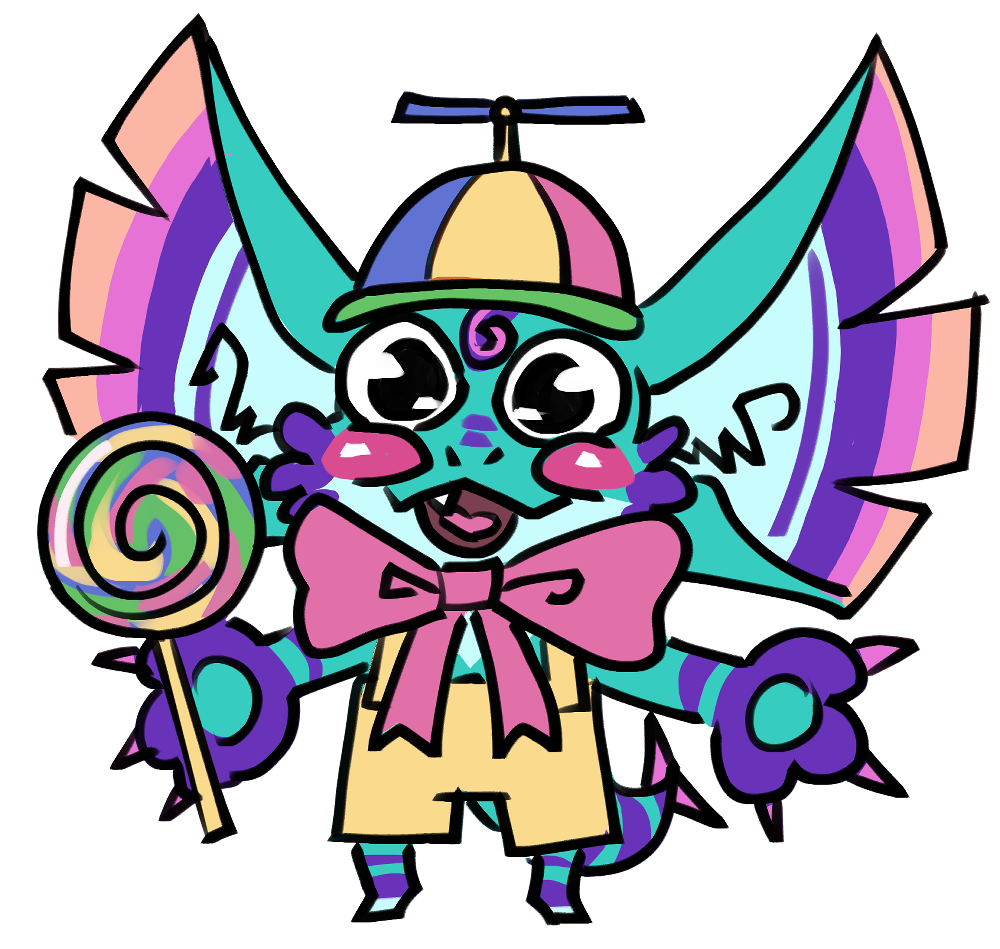
This is where all things fun come from. Kids draw because they can, despite it not being conventionally “good”. They do it simply because it’s fun, and never to get it perfect.
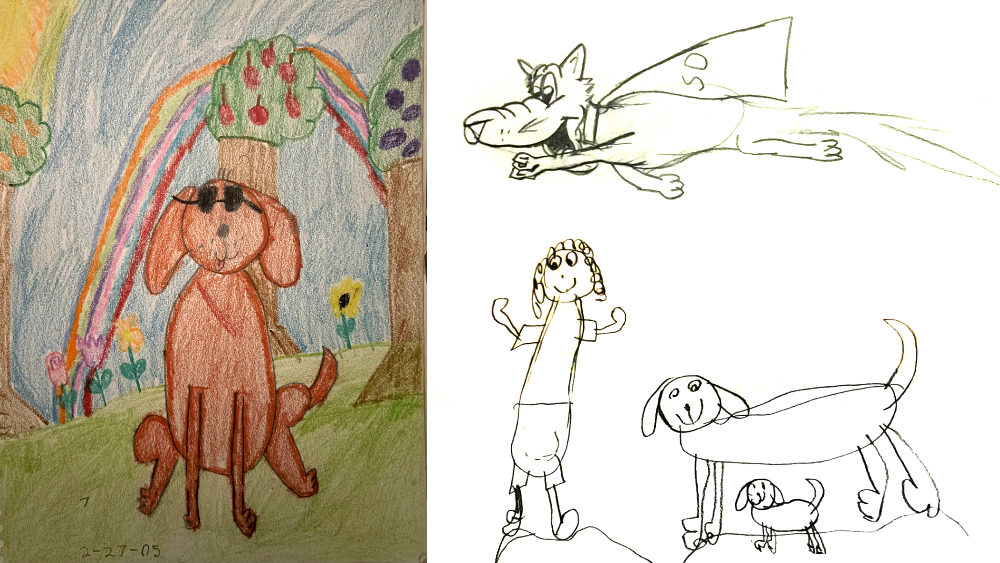
Here are some drawings from when I was a kid. I’ve improved a lot, but back then, I didn’t have an inner critic. I didn’t care about things like color theory, anatomy, or perspective. All I cared about was creating something and expressing myself.
It’s key to connect with this child self in order to overcome art block. Returning to the childhood aspect of play unlocks a freedom in you that goes beyond any inner criticism you face.
Methods of Dealing with Art Block
So now we move on to methods of combating art block. I’m going to go over four that I use. While you explore these specific methods, always attempt to connect with the childhood aspect of play and exploration.
Method 1: Redraw Old Art
There are ways to show that critical voice in your head that you’re capable. You can pick an old drawing you did a few years ago and redraw it with the new knowledge you’ve developed over the years. Chances are, there’s been a lot of improvement, and that’s something all parts of you can be proud of!
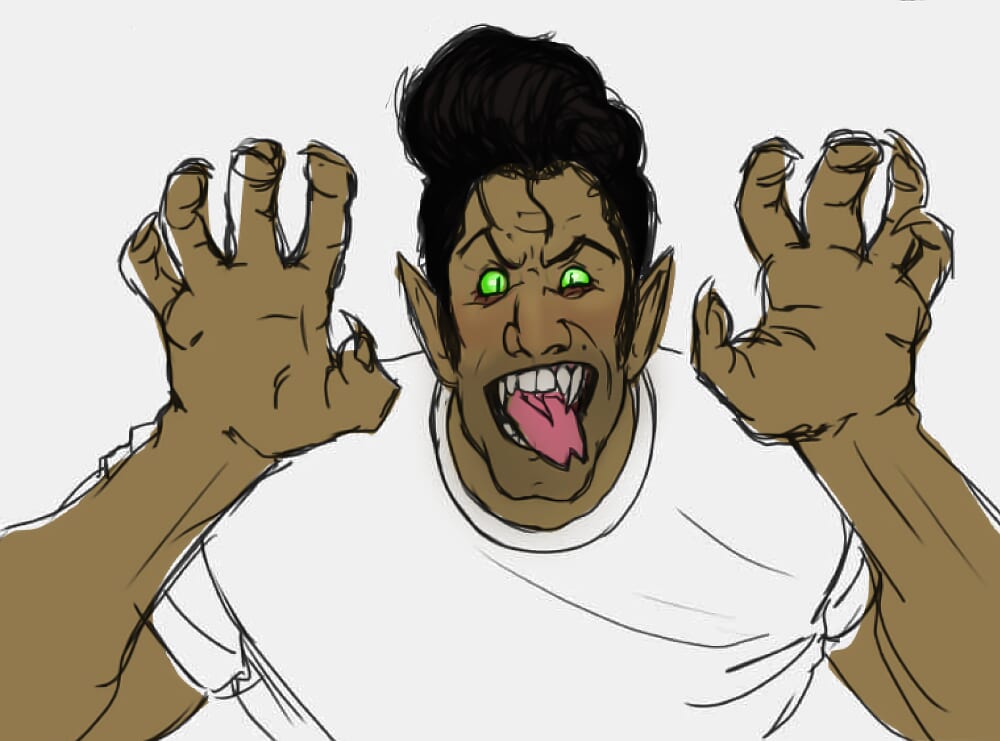
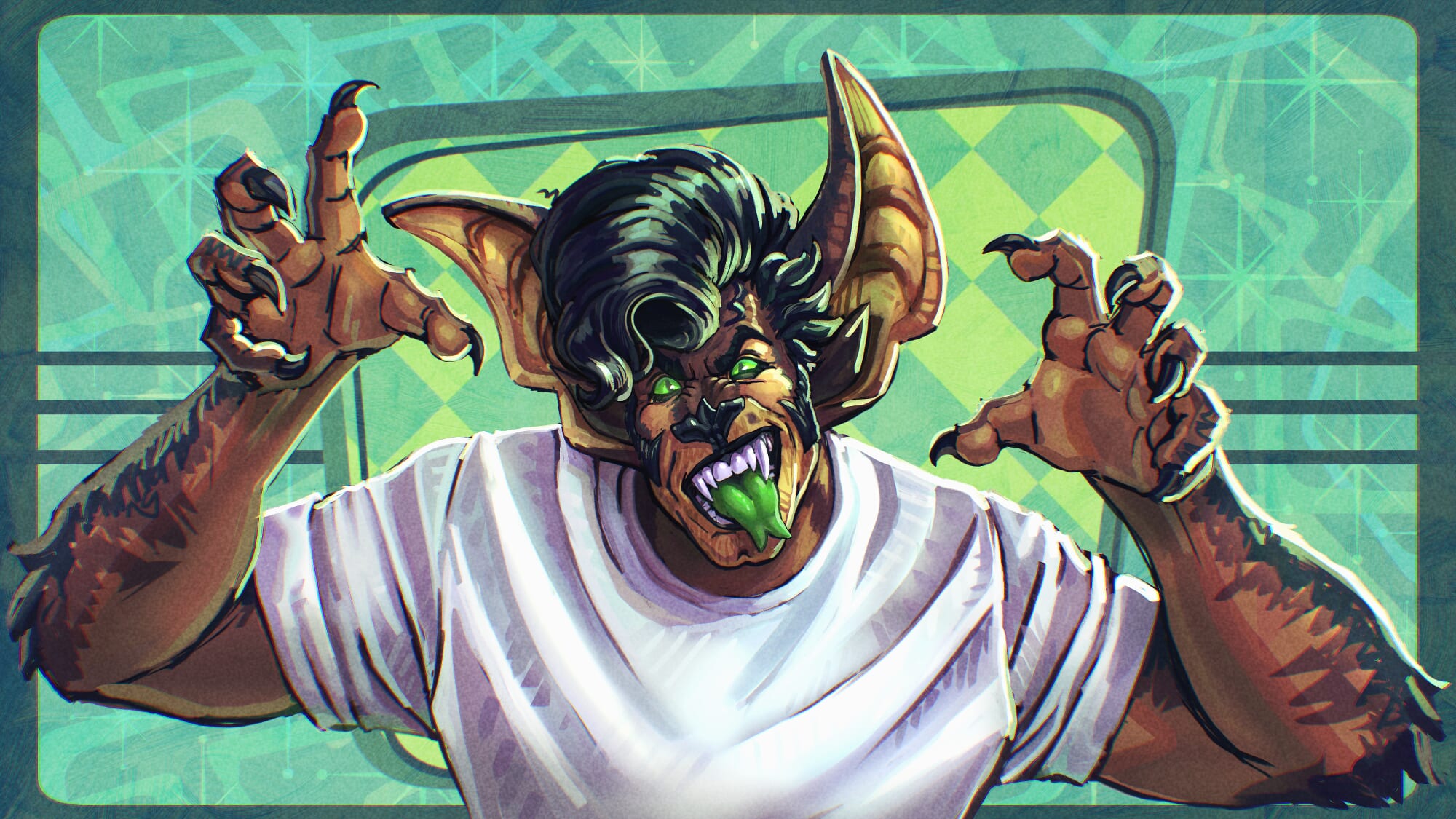
I’m going to be redrawing this old doodle of my character that I did a few years ago. I also wanted to redesign him, make him a bit more interesting and unique. Throughout this process, I’ll be using Clip Studio Paint as it’s my preferred drawing app.
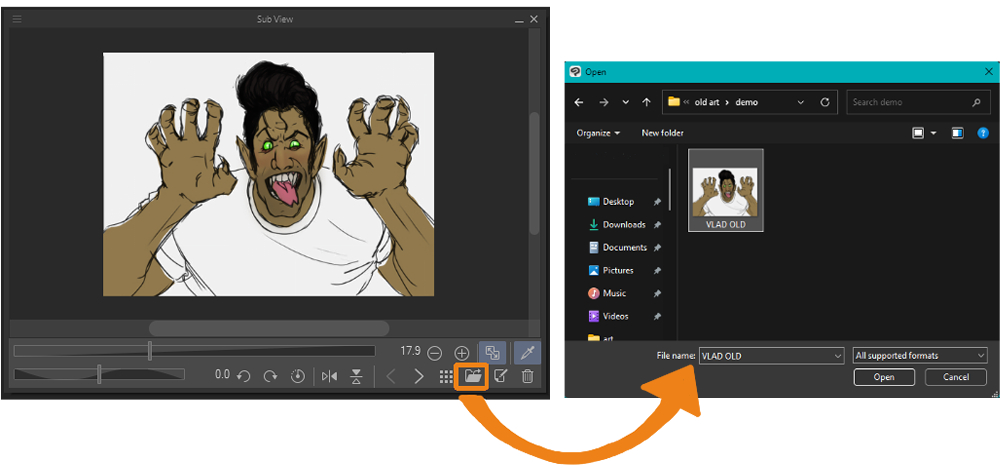
The first thing to do is set up your reference. I use the Sub View Window to show the reference over your canvas. You can also color pick from it!
When I sketch, I focus on just getting something down on the canvas. It doesn’t need to look perfect; making it look good can come in later.
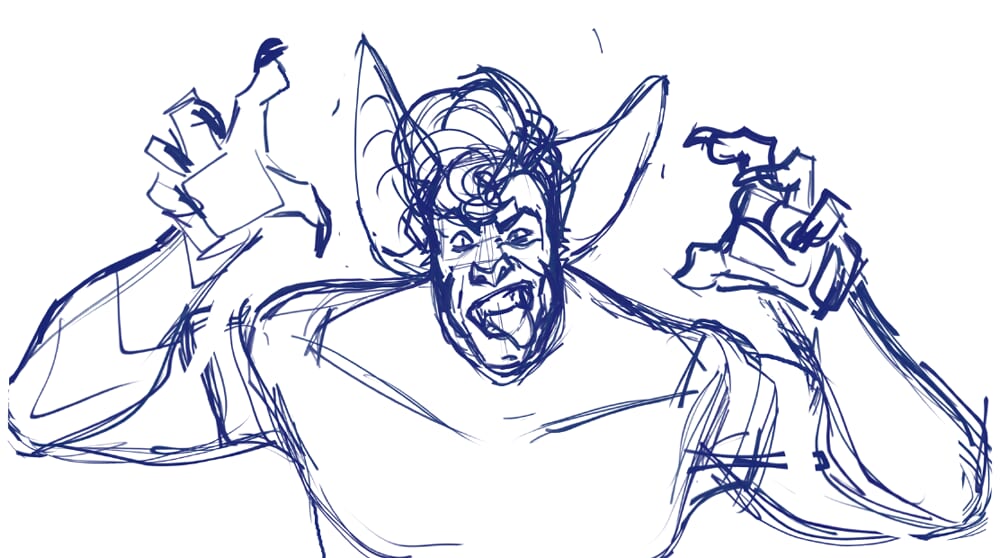
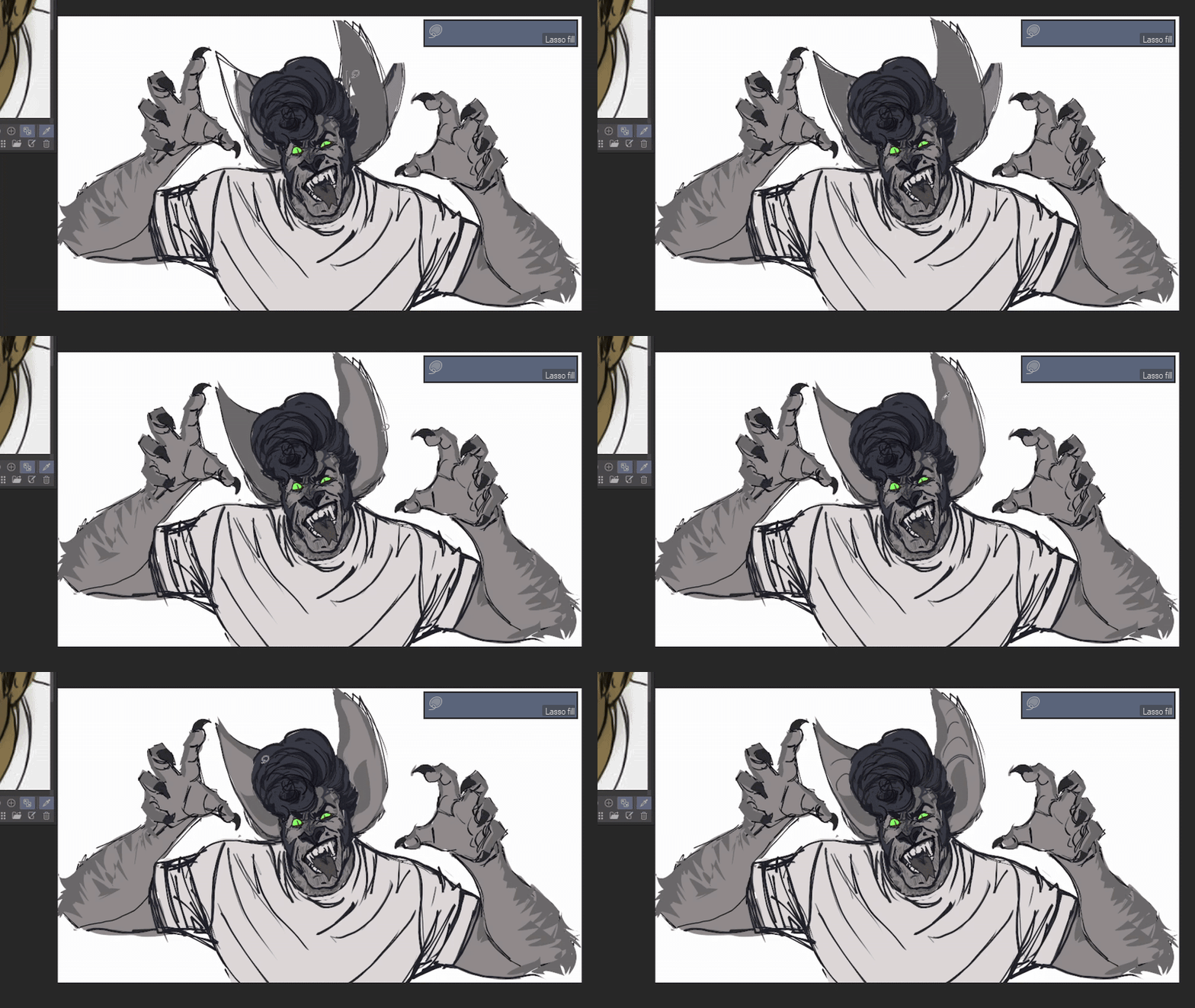
Once I have some lines down, I like to continue sketching with Lasso Fill. It helps me build form and explore new shapes easily without needing to worry about line art.
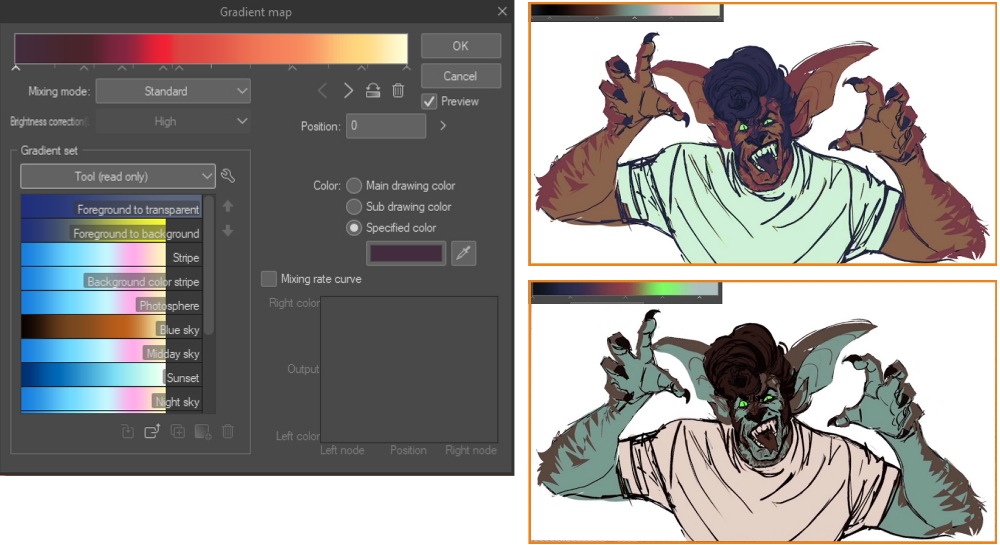
Picking color schemes can be hard, so I start in grayscale, then I use the Gradient Map tool (Edit > Tonal Correct > Gradient Map) to pick out a starting palette I like.
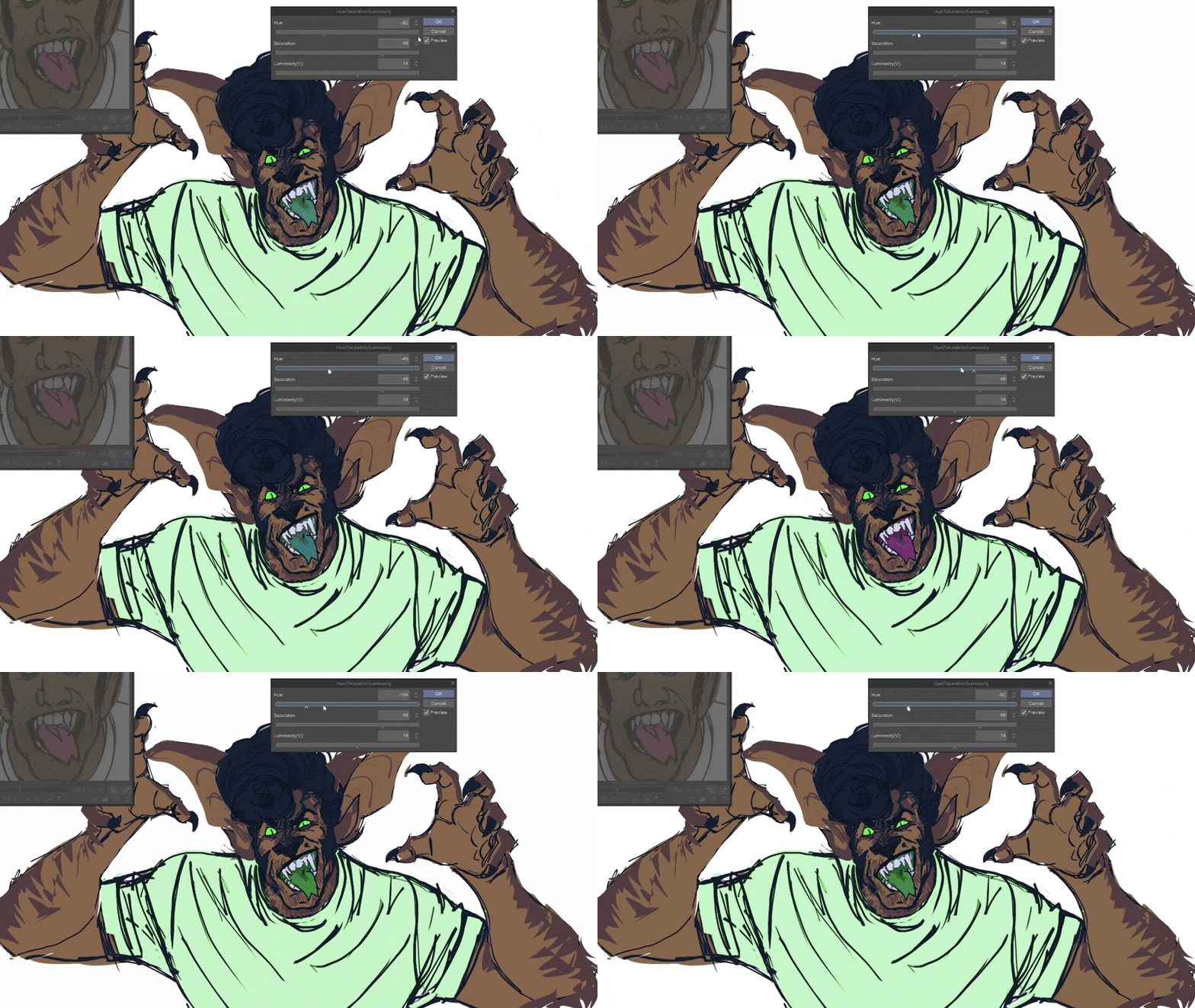
Once I’m happy with my color palette, I use the Selection tool, then Hue/Saturation/Luminosity (Ctrl + U) on different selections to fine-tune my choices in color.
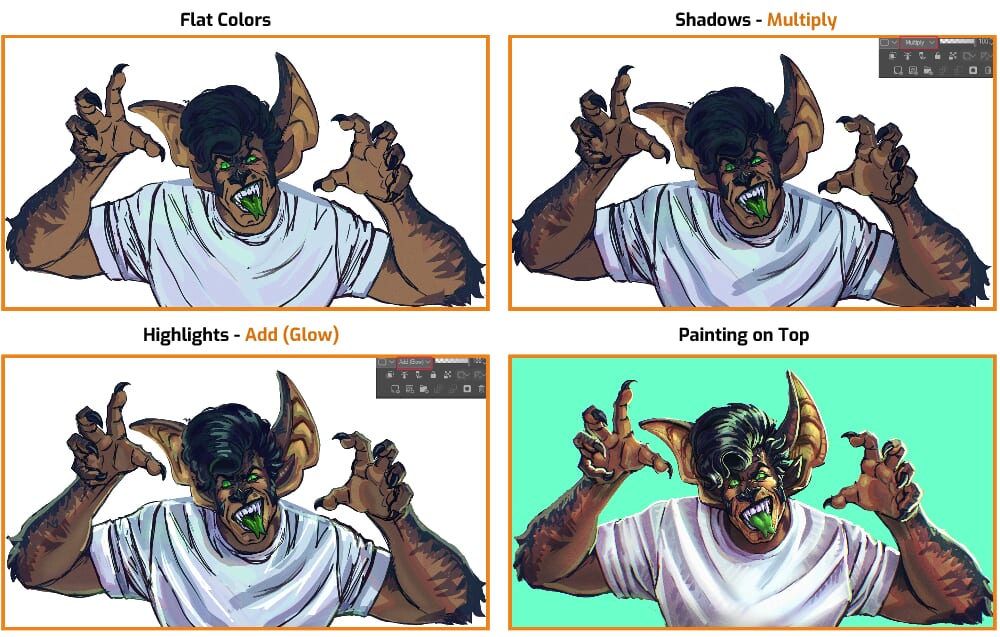
Now I begin shading, starting with a Multiply layer for shadows and Add (Glow) layer for highlights. Once that’s all done, I merge that and paint on top!
Throughout my process, I use the Liquify tool to push expressions and shapes or fix the anatomy. It’s great too because you can use it on multiple layers at once!
And it’s done! There’s certainly been a lot of improvement here.
Method 2: Make “Bad” Art
If your inner critic isn’t happy with your redraw, that’s okay! It’s an insightful feeling that leads into the next topic. The previous drawing was done with the intent of it being good, so there’s going to be some mental pressure to perform well.
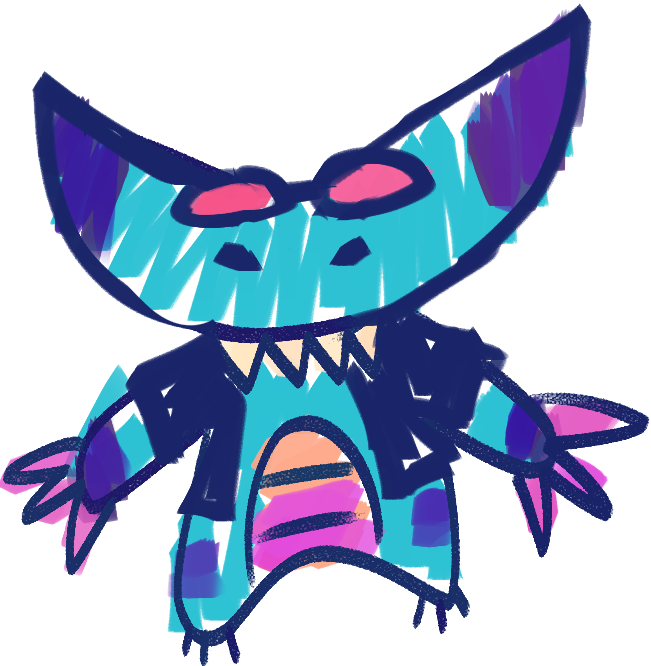
What happens if we draw with the intent for it to be purposefully bad? What if we take the pressure off trying to make something perfect, and instead make ourselves laugh with something that we don’t consider up to our standards of skill?
For the next drawing, I release all expectations of it being conventionally good and just see where my hand takes me.
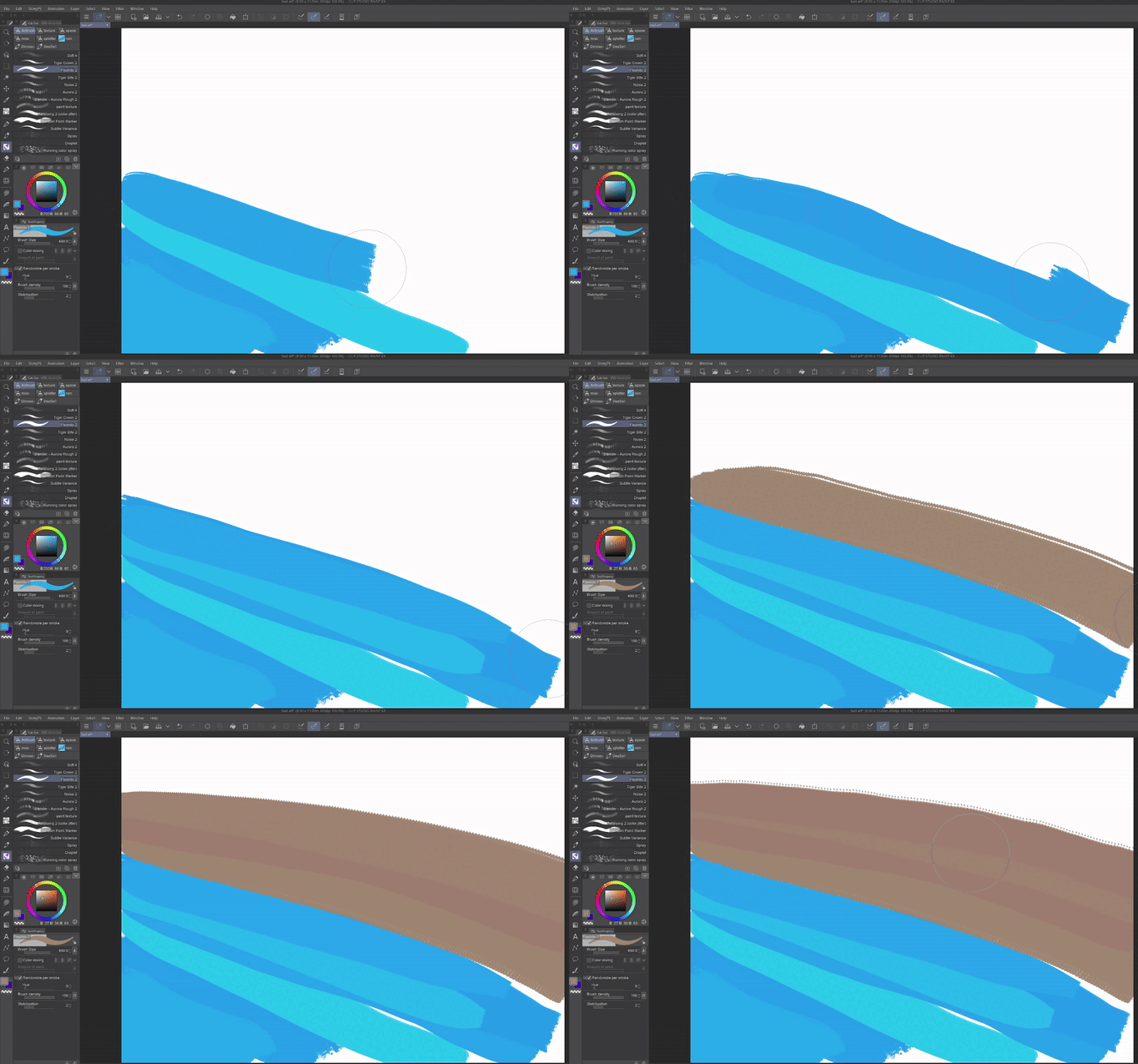
To add a little bit more fun to the piece, I activate Color Jitter on my brush and turn the hue slider up to about 25.
You can find this under your brush’s settings by clicking the wrench icon.
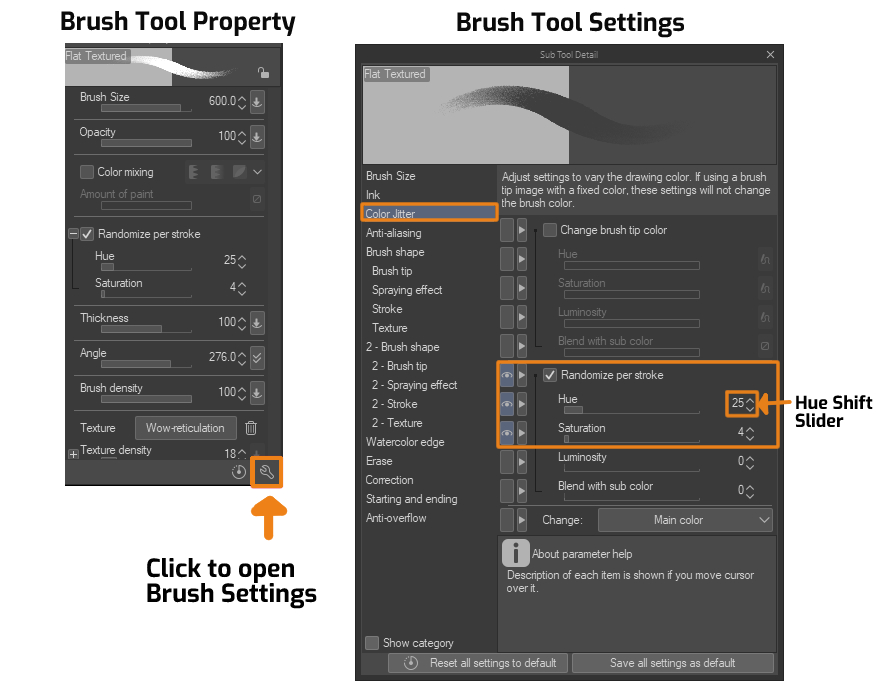
This allows me to get a variety of hues while only using one color. It’s very similar to those color-changing crayons that kids tend to love!
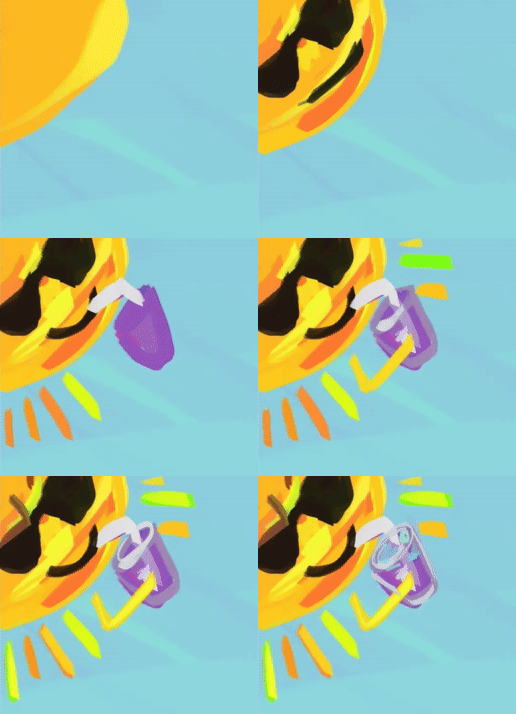
I find myself returning to some drawing habits I did as a kid to connect with that part of myself. One example is how I would always draw a sun in the corner with sunglasses and a smoothie.
There may be times when you catch yourself trying to make it good or correct. For instance, there were parts of my drawing that I didn’t like, so I just kept redoing them, but that’s not helpful for this particular exercise.
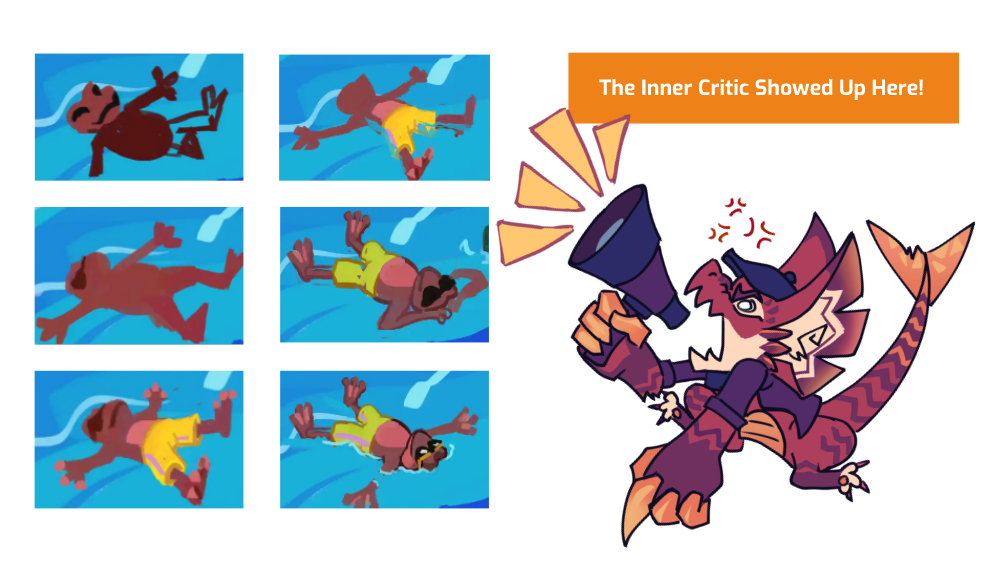
Simply notice what’s happening, then return to that childhood aspect of play.
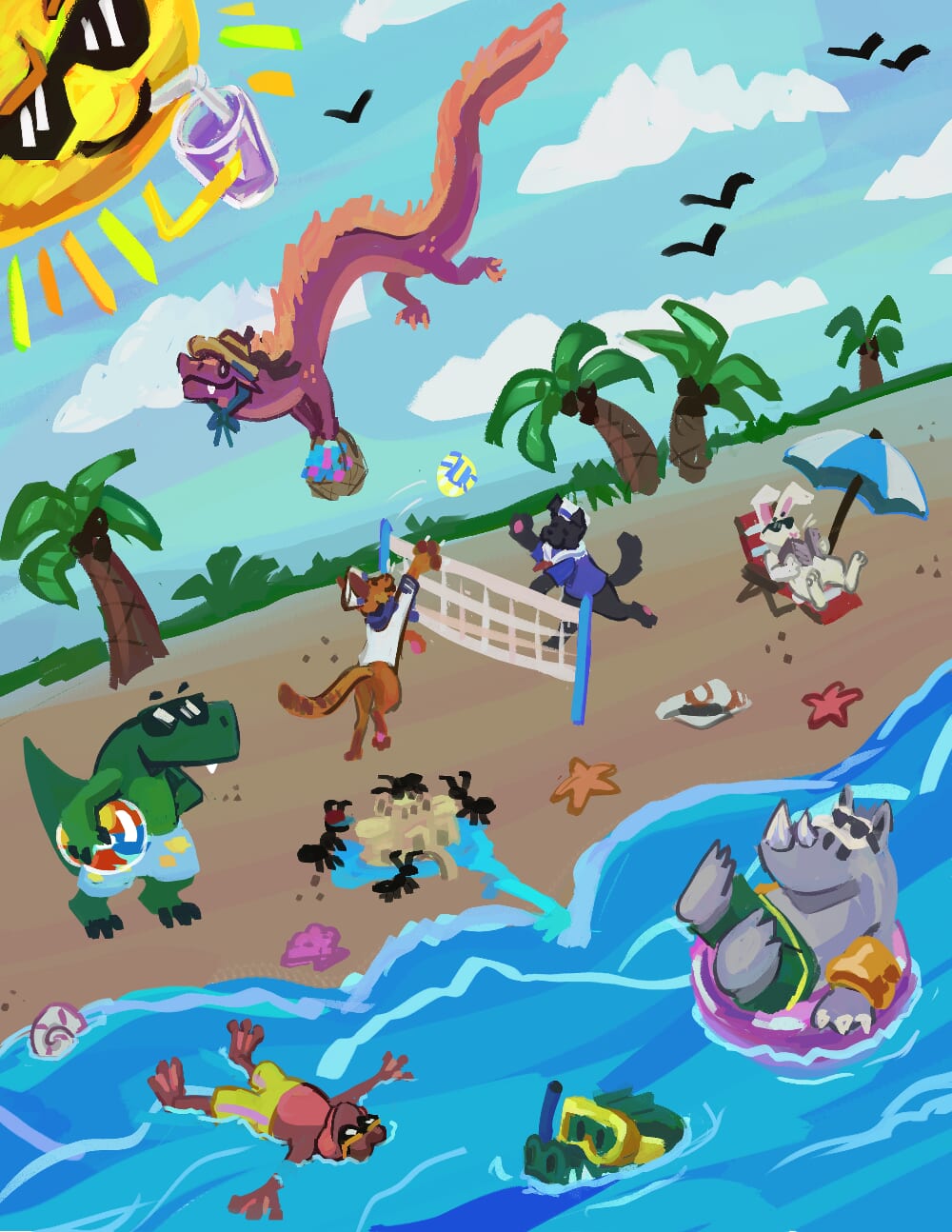
I adore this drawing; it’s silly and nothing like my other work. I had no plan going in; I simply drew the first thoughts that came to mind, dropping any expectations for it to be good. This allowed the inner critic to step away, giving me more space to create.
Method 3: Make Reimagined Studies
Doing art studies of photos or Master Artists’ work is a great way to get out of art block. It allows you to brush up on your art fundamentals and get in art mileage. But sometimes recreating those studies as exact copies can feel like a chore. So, how can we incorporate some fun into the study process?
Studying but with a twist.
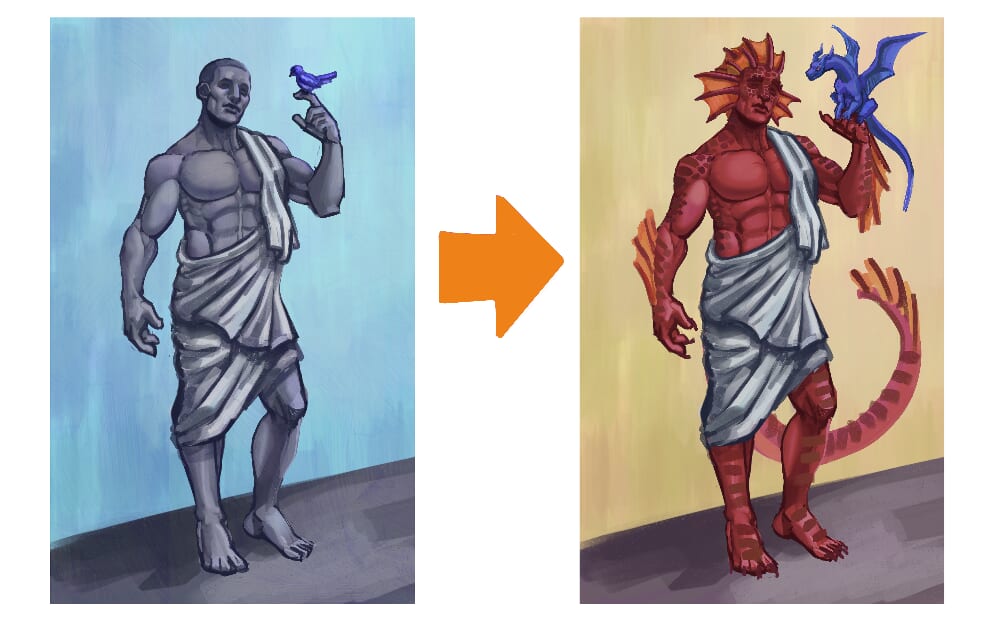
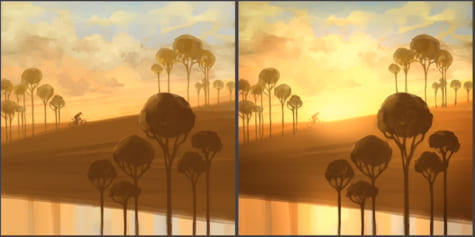
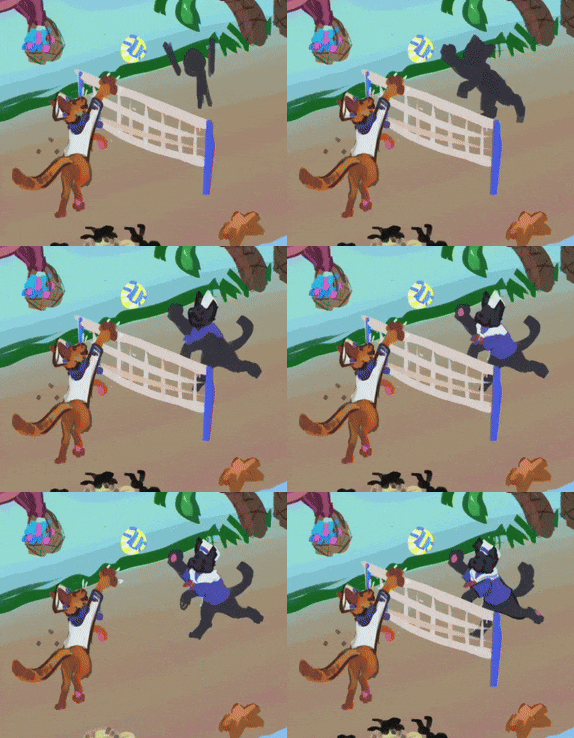
If you’re someone with Original Characters, change the subject to be one of your characters. Or you can change the scene, the lighting, or add something new that’s not in the original image. This way, you don’t need to work as hard on art fundamentals while still having creative freedom.
Method 4: Try Something New
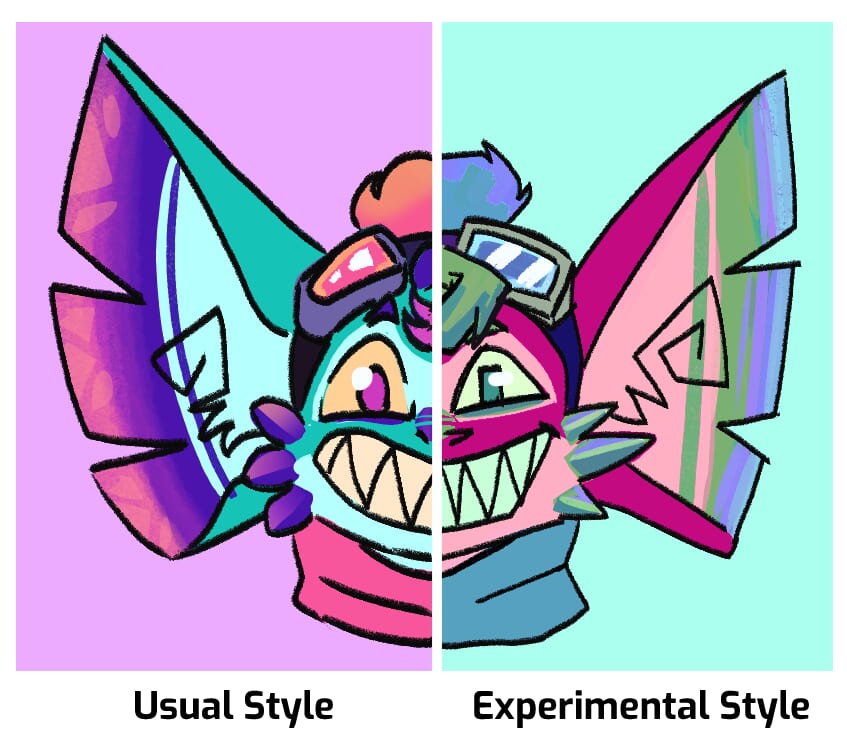
And lastly, try adding a new technique to your workflow. Some examples are trying a different art style or a new brush/tool you’ve never used before. It’s important to be curious and explore.
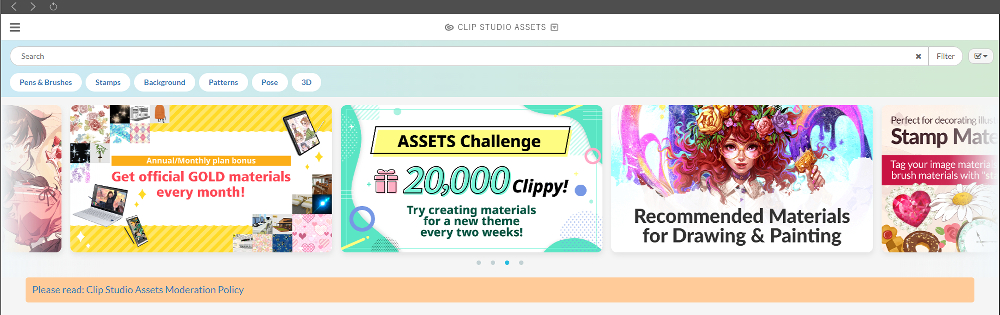
The Clip Studio Asset Store is great for the latter. This is an excellent tool for battling art block because you’re pulling from the creative minds of other people to find inspiration.
This means you get to essentially think outside of your comfort zone and step away from your own inner critic.
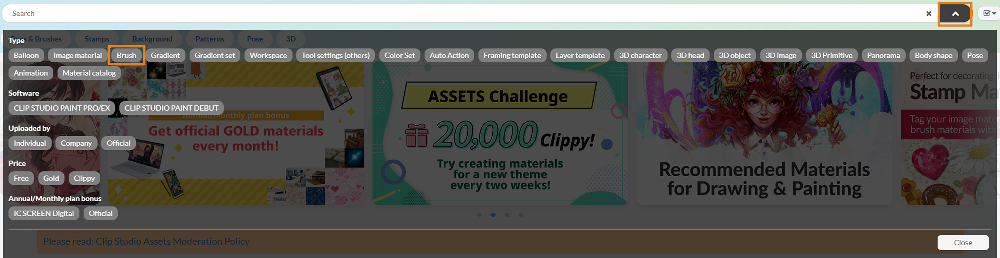
You can filter through brushes, gradient maps, materials, 3D models, and many other assets. There are plenty of assets available for free, but you can also spend Clippy Points to download those that aren’t.
Recommended brush:
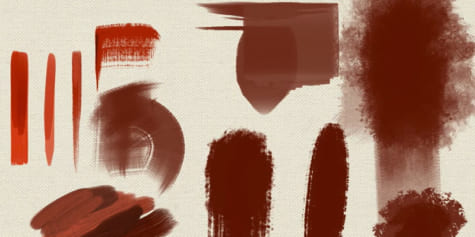
For this exercise, I downloaded some new Oil Paint Brushes from the ASSETS store to try out.
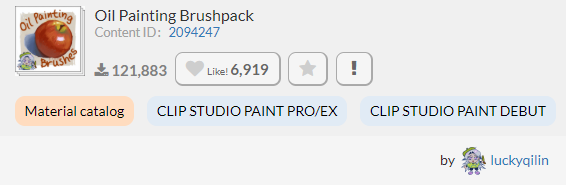
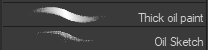
I primarily use the Thick Oil Paint and Oil Sketch brushes from this set for this piece. But it includes plenty of other brushes to explore with! Using them added a lot of texture to my painting that my other work doesn’t usually have.
Once I start painting, I try a completely different approach.
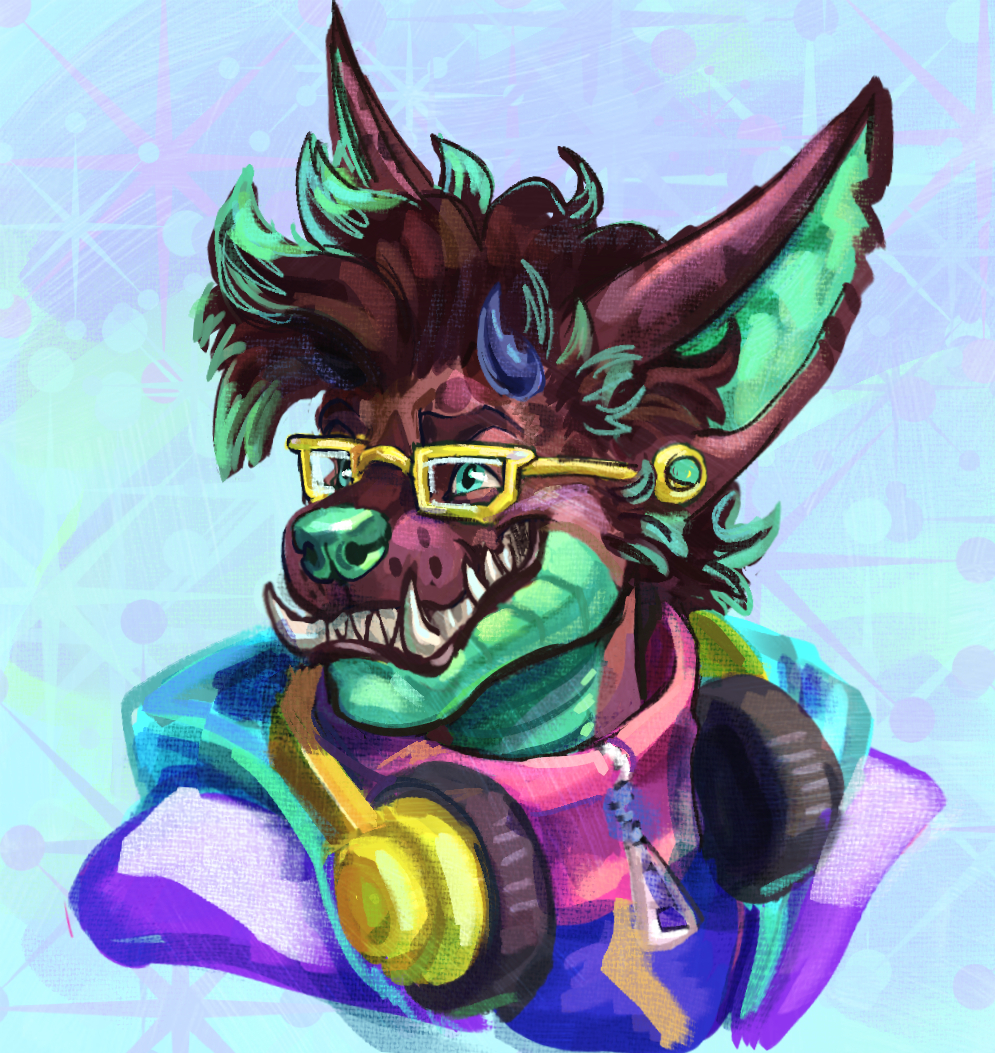
I skip line art, block in shapes, stick to only one brush, and also try a new shading technique.
This technique involves me using Blending Modes on the brush itself rather than on separate layers. There’s less wiggle room this way, but it’s great for exploration.
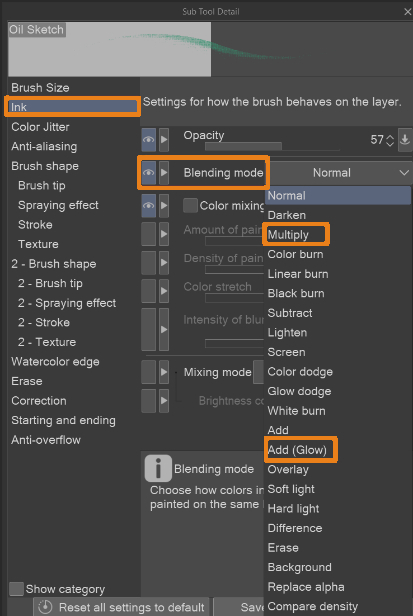
You can activate this feature in your Brush’s settings under the Ink menu. The two modes I used primarily were Multiply and Add (Glow).
Conclusion: Have Fun and Experiment!
Art block is unavoidable, and that can be scary. Art block isn’t necessarily a problem either, but instead it’s an opportunity. You’re struggling now, so your art can improve later. But if you have the proper tools ready to fight through it, then it shouldn’t be too hard to overcome.
The best thing to do is to explore. Try out these techniques, and maybe along the way, you will create your own methods of battling art block too. There’s never a wrong way to go about it, and building off one another as a community is exceptionally helpful. Remember to have fun, explore, and always connect with that childhood aspect of play!
Artist Profile – Koastal Kryptide
Koastal Kryptide is a digital artist who creates colorful illustrations, 3D models, and animations.
Koast’s work mainly focuses on original characters and the worlds they inhabit.
Instagram: koastalkryptide
TikTok: koastalkryptide
YouTube: Koastal Kryptide
Portfolio: koastalkryptide